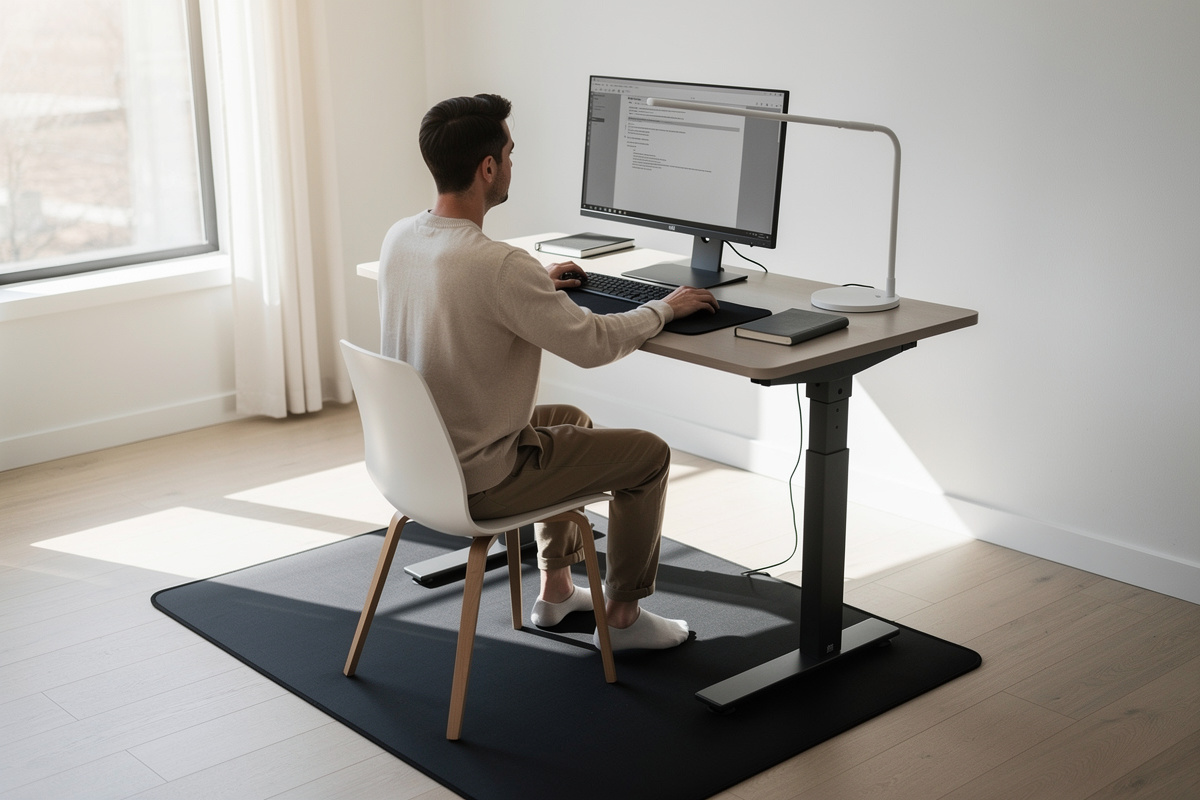

Setting your standing desk height is the same elbow rule you’d use sitting — just measured standing — and yet it’s the number people most often eyeball and get wrong. They raise the desk until it “feels about right,” land it a few centimeters too high, and shrug their shoulders through every standing session until they quietly stop standing altogether. It’s free to fix, it takes a tape measure and two minutes, and it’s the difference between a standing desk you use and one that becomes a very expensive shelf. Comfort-and-geometry guidance, not medical advice.
I’ve load-tested and lived with more than one standing frame, and the single biggest reason people abandon standing isn’t fatigue — it’s a badly set height that makes standing feel worse than sitting. Get the number right and standing becomes something you actually reach for. Here’s how.
The rule: standing elbow height, same as seated
The geometry doesn’t change when you stand up; only your elbow height does. The desk surface should sit at your standing elbow height, forearms level, shoulders relaxed and hanging. The method is identical to the seated version, just performed on your feet:
- Stand the way you’ll actually work — relaxed, weight even, shoulders dropped, not braced upright.
- Bend your elbows to 90 degrees, forearms parallel to the floor, hands where the keyboard will be.
- Measure floor to the underside of your elbow. That centimeter figure is your standing desk height.
- Raise the desk to it and confirm your forearms sit level with shoulders relaxed.
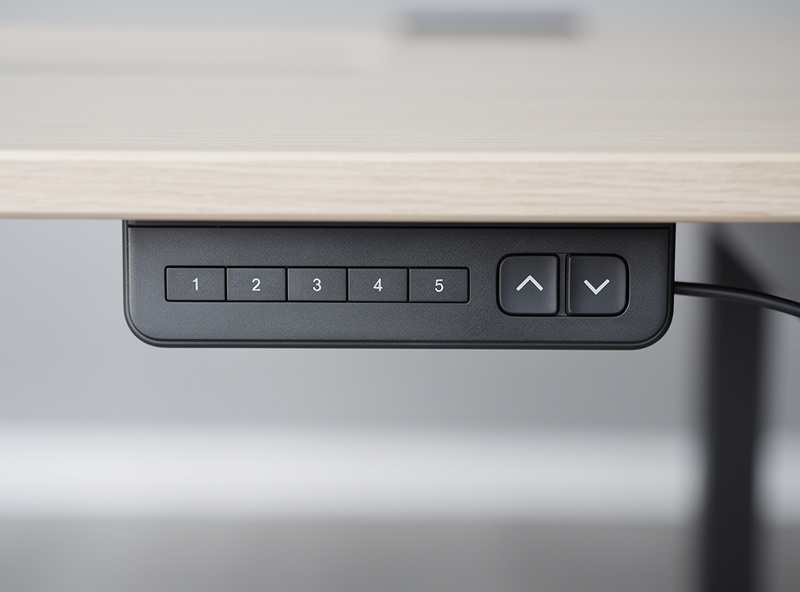
- Log it — most electric frames have memory presets, so save it once and never re-guess.
If you already measured your seated elbow height, your standing figure typically lands roughly 30 cm above it — but measure, don’t add a guess. Body proportions move that gap, which is exactly why eyeballing it fails.
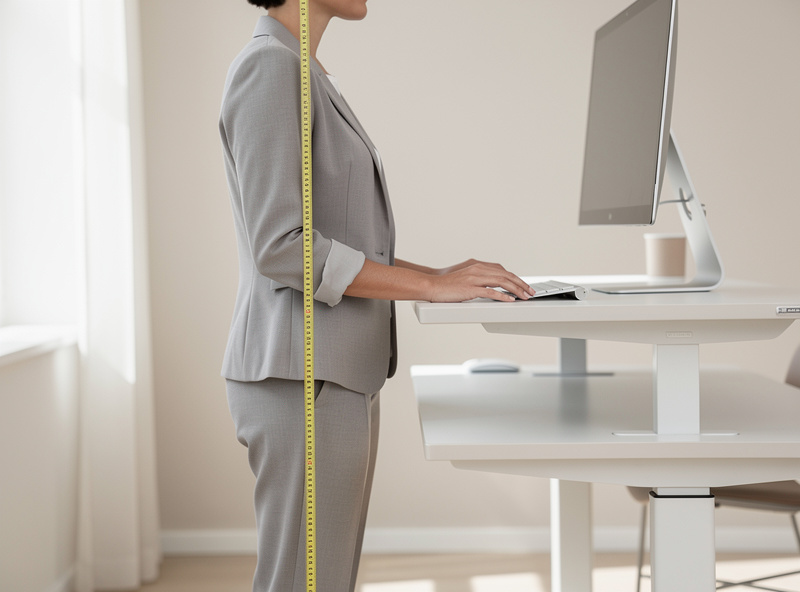
The shoulder-shrug trap (too high)
The most common standing-desk mistake by a mile is setting it too high. A surface even two or three centimeters above your standing elbow height forces your shoulders up to keep your forearms level, and a raised shoulder you hold for an hour is the fatigue people blame on “standing” when it’s really “standing at the wrong height.” If your shoulders creep toward your ears or your wrists cock back when you stand to type, the desk is too high. Drop it a centimeter at a time until your shoulders hang and your forearms are level. That’s the whole fix, and it’s free.
Standing height by stature (starting points)
Here’s a rough standing-height reference to sanity-check your measurement against — estimates to confirm you’re in the neighborhood, not numbers to set blind. Measure your standing elbow height for the real figure.
| Your height | Approx. standing desk height | Watch for |
|---|---|---|
| 160 cm | ~95–98 cm | Many budget frames bottom out near this — check minimum height before buying |
| 170 cm | ~101–104 cm | Comfortably within most frames’ range |
| 178 cm | ~106–109 cm | Fine on almost any frame |
| 188 cm | ~111–114 cm | Check the frame’s maximum height — some stop short for tall users |
| 196 cm | ~116–119 cm | Verify max height carefully; many frames don’t reach this |
Two practical notes from owning frames: shorter users should check a frame’s minimum height (cheaper frames often won’t go low enough), and taller users should check its maximum (many stop around 120-something cm). The range that matters is yours, not the spec-sheet headline.
The monitor moves too
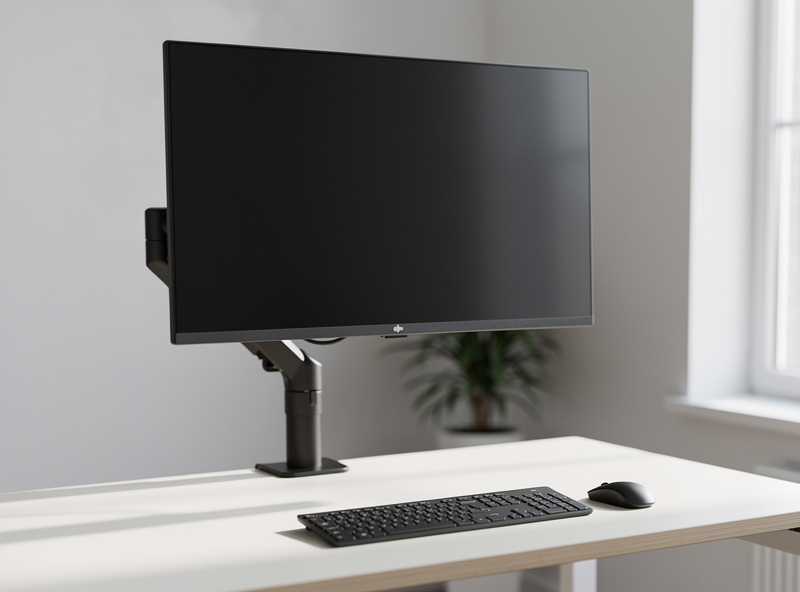
Here’s the step people forget: when you raise the desk to stand, the monitor goes up with it — which means its height relative to your eyes changes. A screen dialed to eye line sitting is now too low standing, because your eyes rose more than the desk did. If you stand and find yourself looking down at the screen, the monitor needs to come up independently of the desk.
This is the strongest argument for a monitor arm on a standing desk: the arm lets you nudge the screen up when you stand and back down when you sit, keeping the top at eye line in both positions. Without one, you’re compromising the screen height in at least one of your two postures. Set the standing eye line the same way as seated — top of screen at or just below your standing eye line, tilted slightly back.
Don’t stand on a hard floor
Once the height is right, the surface under your feet is the next comfort variable. Standing still on a hard floor concentrates pressure and gets uncomfortable faster than standing needs to — the fix is an anti-fatigue mat, which lets your feet make tiny constant adjustments and takes the edge off a longer standing stretch. I’ve gone through several; the cheap flat-foam ones compress and stop helping within months, while a denser contoured mat holds up. A decent anti-fatigue standing mat is the one accessory I’d add once your height is dialed — but get the height right first; no mat rescues a desk that’s too high.
Disclosure: As an Amazon Associate I earn from qualifying purchases. The link above is a category search link to gear I use myself; it costs you nothing extra. This is comfort-and-geometry guidance, not medical advice.
Keyboard thickness and shoe height sneak in
Two small variables quietly shift your standing height, and ignoring them is how a carefully measured number still ends up a touch off. The first is your keyboard. The elbow rule targets where your hands rest, and a chunky keyboard raises your hands a centimeter or more above the desk surface — so a very tall keyboard effectively makes the desk feel higher than your measurement said. If you run a thick board, set the desk so your hands (not the bare desktop) land at elbow height, which usually means dropping the surface slightly. A low-profile board barely matters; a tall mechanical one does.
The second is your shoes. You measure your standing elbow height in whatever you’re wearing, but if you measured barefoot and then work in shoes with a heel, your elbow just rose and the desk is now a hair low — and vice versa. It’s a small effect, but if you switch between barefoot mornings and shoes later in the day and the desk starts feeling wrong, this is usually why. Measure in what you actually stand in, or split the difference and let the memory preset get you close.
Neither of these is a reason to obsess. They’re the reason the final adjustment is always “raise the desk to the number, then nudge it a centimeter until your shoulders hang.” The tape gets you to the right neighborhood; your shoulders tell you the exact address.
How long to spend standing at first
When the height is finally right and standing feels good, the temptation is to stand for hours straight on day one. Don’t. Standing is a posture you build tolerance for gradually — start with short stretches and let it grow naturally rather than forcing a marathon and deciding standing “doesn’t work for you.” The whole value of a sit-stand desk is the switching, and switching often beats standing long. A desk set to the right height makes short, frequent standing stretches comfortable enough that the habit forms on its own, which is exactly what you want.
“Stand more” is not the goal
One honest word on usage, since it shapes how the height gets used. The point of a standing desk isn’t to stand all day — standing rigidly for eight hours is its own kind of fatigue. The point is to change posture, to alternate between sitting and standing so neither position is held too long. My own standing ratio is honestly seasonal — it climbs in spring and sags through the dark Swedish winter — and the log keeps me honest about that rather than pretending I stand four hours a day. Set both your seated and standing heights as memory presets, and the desk makes switching a one-button habit instead of a chore. The sustainable ratio that actually sticks is its own topic; the height is what makes either posture comfortable enough to keep.
The verdict
Measure your standing elbow height, raise the desk to it, and confirm your shoulders hang and your forearms are level — too-high-and-shrugging is the mistake that kills standing desks. Bring the monitor up to your standing eye line (a monitor arm makes this painless in both postures). Add an anti-fatigue mat once the height is right, not before. Save both heights as presets and use the desk to change posture rather than to stand heroically. Get the number right and the desk earns its keep; eyeball it and it becomes a shelf.
Where to next
- The Correct Desk Height: Full Setup Guide — the complete measure-first method, seated and standing.
- Desk Height Calculator vs. the Elbow Rule — the elbow method in detail.
- Monitor Height & Eye Line — set the screen right in both postures.
- Desk Too High? Four Fixes — for the seated side of the same problem.
- Setup Gallery — measured standing configurations.
- Tools I Actually Use — the tape, laser and log.
