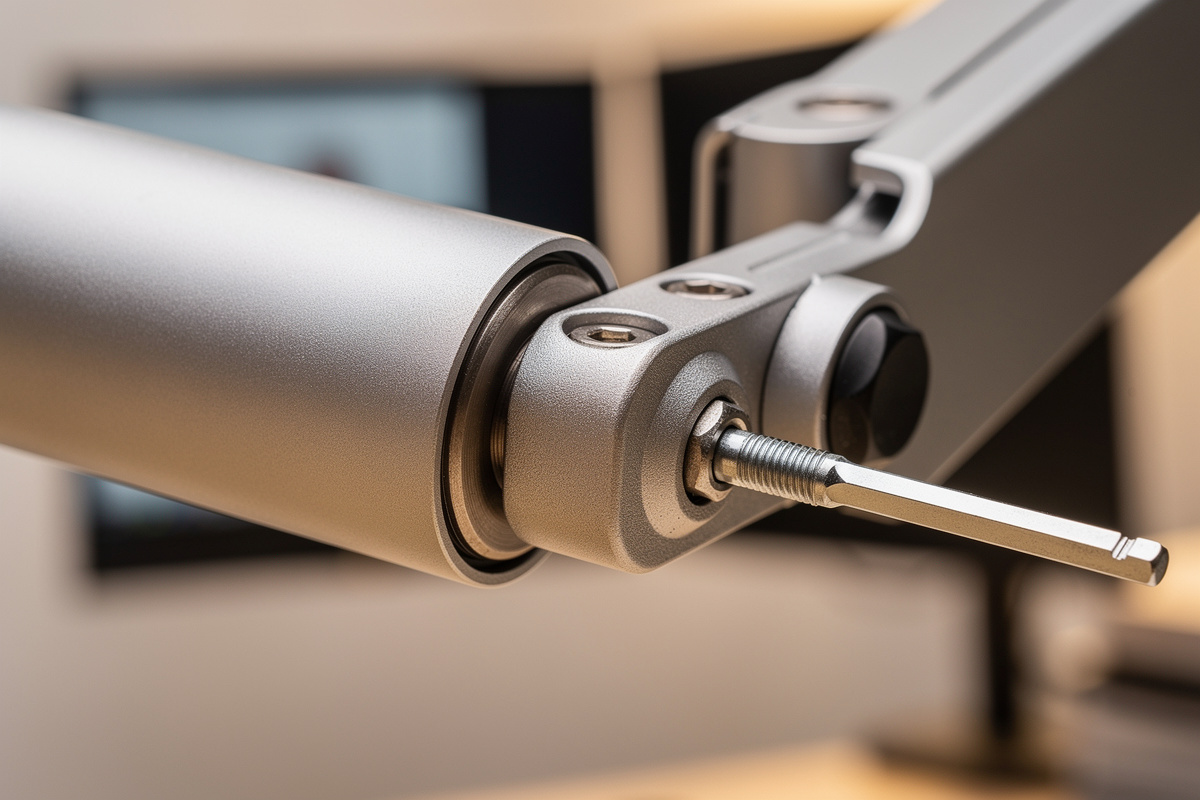

Monitor arm gas spring drift — the screen slowly sinking or creeping upward over hours — is real, but in my setup log it’s a tensioning problem about nine times out of ten, not a worn-out cylinder. The screen moves because the spring force and the monitor weight aren’t balanced, and the cure is a screwdriver, not a new arm.
I’ve watched people bin a perfectly good arm because it "wouldn’t hold," when sixty seconds with a hex key would have fixed it. So before you write off a gas-spring arm, it’s worth knowing the three separate things people lump together as "drift" — mis-tension, temperature shift, and genuine seal failure — because only the last one is the arm’s fault, and it’s the rarest.
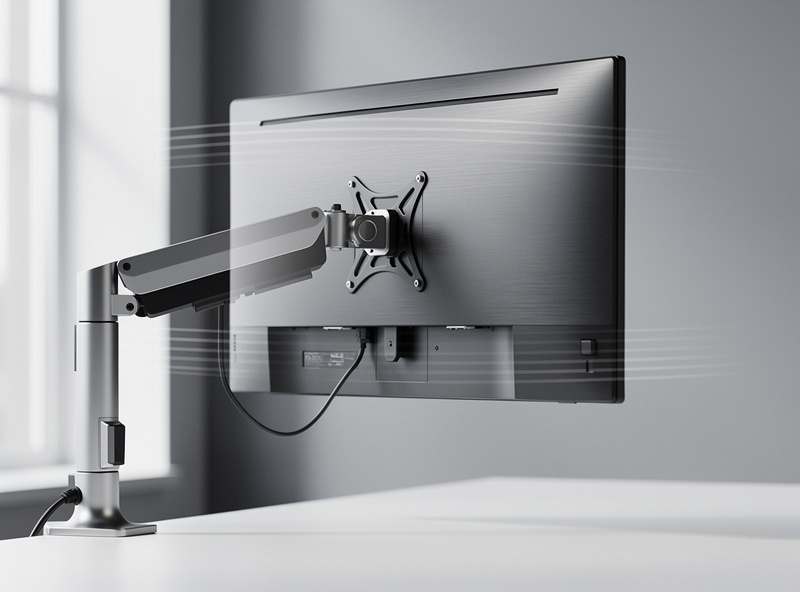
What "Drift" Actually Is
Drift is any unwanted vertical movement of the monitor after you set its height: it sinks under its own weight, or it rises on its own. Both feel like a broken arm, but they’re opposite symptoms with the same root — the counterbalance is off. A balanced arm holds at any height with no creep in either direction.
Sinking means the spring is under-tensioned for the load: the monitor outweighs the push and gravity wins slowly. Rising means it’s over-tensioned: the spring pushes harder than the light monitor resists, so the screen floats up. Diagnosing which one you have is the whole game, because the screw turns the same direction to fix sinking as the wrong direction makes rising worse. Watch the screen for a few minutes after setting it — which way does it wander?
Here is the cleaner test I use when the movement is slow enough to be ambiguous: set the panel exactly mid-travel, mark the top bezel against something fixed behind it — a wall line, a shelf edge — and leave it for an hour without touching it. A clear sink or rise against that reference tells you the direction with no guesswork, and the amount tells you roughly how far off the tension is. A screen that holds within a few millimetres over an hour is balanced; one that has wandered a centimetre or more wants a quarter-turn of the screw. Doing this once, properly, beats a dozen frustrated nudges throughout the day, because you are reading the imbalance instead of fighting the symptom.
The Tension Screw Fix (Most Drift Ends Here)
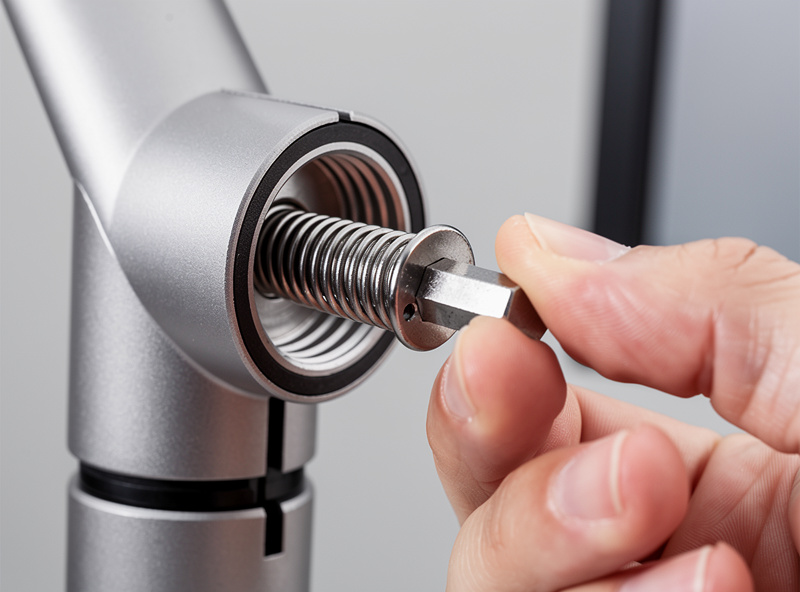
Every gas-spring arm has a tension adjustment, usually a hex socket on the spring housing, and it ships set for a load that probably isn’t your monitor. To fix sinking, position the screen at mid-height and increase tension (commonly clockwise) a few turns until it holds; to fix rising, decrease it. Adjust in small increments and re-test — the right setting is where the screen stays put at any height with a gentle nudge.
The mistake I made the first time was adjusting with the monitor at the top of its travel, where the lever geometry hides the imbalance, then finding it still drifted in the middle. Set tension with the arm roughly horizontal, mid-range, where the load on the spring is highest. A long-reach hex key set makes this far easier than the stubby Allen wrench in the box, because the adjustment port is often buried behind the pole.
As an Amazon Associate I earn from qualifying purchases.
The Cold-Window Drift Nobody Warns You About
If your desk sits near a cold window, a gas-spring arm can read "drifted" on a winter morning purely because of temperature. A gas cylinder’s internal pressure drops as it cools, so the same arm that was balanced on a warm afternoon sits a little low until the room and the cylinder warm back up — then it self-corrects.
I see this every Nordic winter at my own desk: the screen is a centimeter low first thing, fine by mid-morning. It’s physics, not a fault, and it’s fully reversible. The trap is chasing it with the tension screw — if you crank tension to fix a cold-morning sag, the arm will float high once the room warms. Re-check your tension once per season rather than per cold morning. Mechanical-spring arms don’t show this at all, which is one quiet reason some people prefer them despite the rougher motion.

When It Really Is a Dead Gas Spring
Genuine seal failure does happen, mostly on the cheapest cylinders, and it looks different from tension drift: no amount of tension adjustment holds the screen, the movement is fast rather than slow, or the arm collapses entirely under a load it held last month. That’s a leaking cylinder that can no longer store pressure.
The honest reality is that a gas cylinder is a sealed, pressurized part with a finite life, and on bargain arms that life can be a couple of years of heavy repositioning. You can’t refill or service it — the cylinder is the consumable, and on most arms it isn’t separately replaceable, so a truly dead spring means a new arm. This is exactly why I lean toward a known mechanism on a daily-driver setup; the gap between a $30 cylinder and a $180 one shows up here, years in, not on day one. The monitor arm buying guide covers how mechanism quality maps to price, and getting the weight rating right in the first place is the best insurance against premature wear.
How to Make a Gas Spring Last
You extend a gas spring’s life mostly by not overworking it: buy an arm whose range puts your monitor mid-band rather than at the ceiling, where the cylinder runs at maximum stored pressure constantly. An arm pinned at its weight limit wears its seal faster than the same arm carrying a load it was comfortably specced for.
Beyond that, set the tension once and stop fiddling, avoid slamming the screen to its travel stops, and keep heavy accessories off the panel unless you’ve accounted for their weight. I have seen a single clamp-on webcam and a bezel light bar push a comfortably mid-band panel up toward the ceiling of the arm’s range, which is exactly the condition that wears a seal early — so when I add anything to the top of a screen I re-weigh the whole head and re-check the tension, rather than assuming the original setting still holds. The arms in my log that are still smooth after years are the ones that were never asked to live at their limit, accessories included. None of this is maintenance in the oil-and-grease sense — a gas spring is sealed for life — it’s just not asking the part to live at its limit. Do that and a decent cylinder outlasts the monitor bolted to it. The geometry you set it to matters too: dial the screen to your measured eye line and leave it.
Frequently Asked Questions
Why does my monitor arm slowly drift down?
The gas spring is under-tensioned for your monitor’s weight, so gravity slowly wins. Position the screen mid-height with the arm roughly horizontal and increase the tension screw a few turns until it holds at any height. This fixes most sinking.
Why does my monitor arm float upward on its own?
It is over-tensioned for a light monitor, so the spring pushes harder than the panel resists. Decrease the tension screw in small steps until the screen stays put. Rising and sinking are opposite symptoms of the same balance problem.
Is gas spring drift a sign the arm is broken?
Usually not. About nine times out of ten it is a tension setting that was never matched to your monitor. Genuine failure looks different: fast movement, total collapse, or no tension setting holds the screen at all.
Why does my monitor sit low on cold mornings?
A gas cylinder loses a little internal pressure as it cools, so an arm near a cold window sits low until the room warms and it self-corrects. It is reversible physics, not a fault. Do not chase it with the tension screw.
Can I refill or repair a monitor arm gas spring?
No. The cylinder is sealed and pressurized for life and cannot be refilled or serviced. On most arms it is not separately replaceable either, so a genuinely dead spring means replacing the arm.
How do I make a monitor arm gas spring last longer?
Keep your monitor in the middle of the arm’s weight range rather than at the ceiling, set the tension once and stop fiddling, avoid slamming the screen to its travel stops, and account for any accessories you bolt to the panel.
