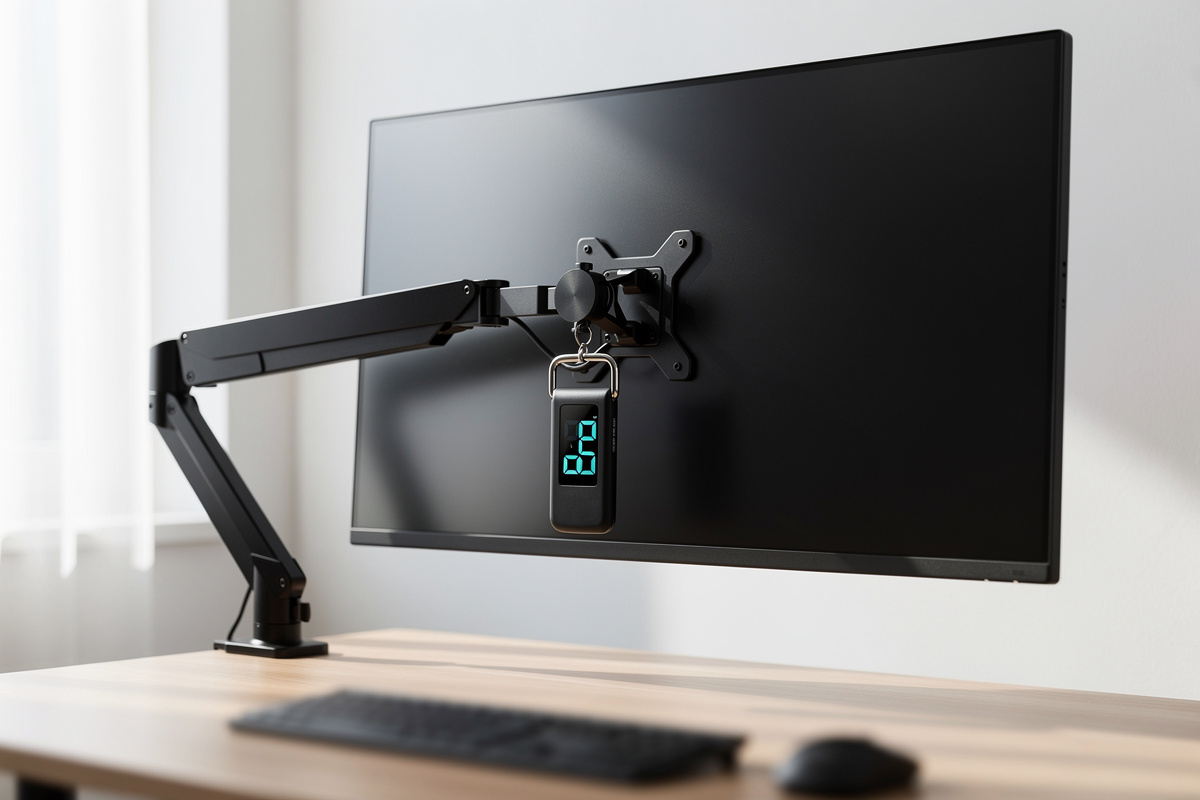

A monitor arm weight rating is a counterbalance range, not a single maximum — an arm rated "2–8 kg" holds a load best in the middle of that band and feels worst at either end. The real math is to weigh your monitor head without its stand (a 27-inch panel is usually 4–6 kg) and land it mid-range, not at the ceiling.
This is the number people misread most. They see "up to 8 kg," check that their 6 kg monitor is under 8, buy the arm, and then wonder why it creeps or why the gas spring feels stiff. The ceiling figure is a marketing number; the usable figure is the range, and where in that range your screen sits decides how the arm behaves for years. Here’s how I actually work out whether an arm will hold a given panel, using the same weigh-and-log method I run on every piece of desk gear.
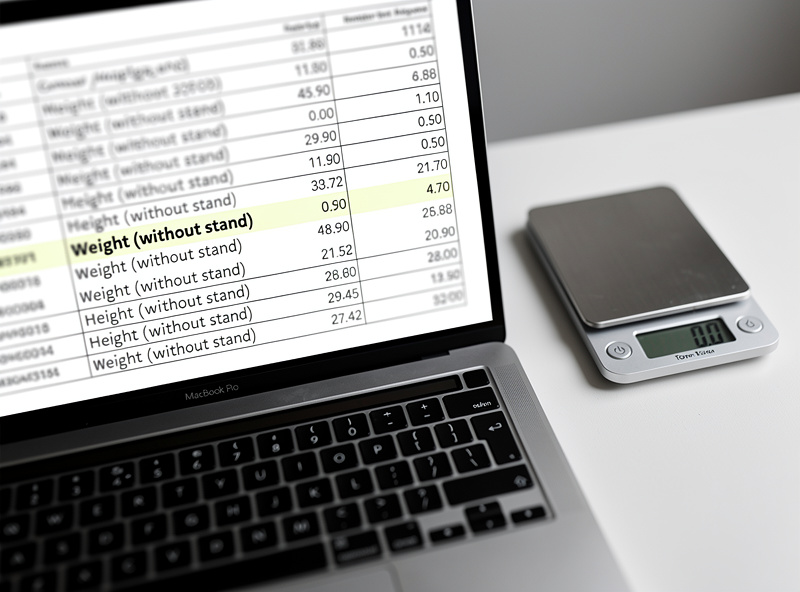
Why a Weight Rating Is a Range, Not a Maximum
A gas-spring arm balances your monitor against the cylinder’s stored pressure, and that balance only holds across a band — commonly 2–8 kg or 1–9 kg. Inside the band you tension the screw to match the load and the screen stays put at any height. Outside it, the spring can’t be tensioned far enough either way.
Below the minimum, the arm is over-sprung: a light 3 kg panel on an arm with a 4 kg floor will drift upward because the spring pushes harder than the load resists. Above the maximum, it’s under-sprung and the screen sags. This is why the same arm can "drift up" for one person and "sag" for another — they’re at opposite ends of the range. The fix is to buy an arm whose range brackets your weight with your panel near the middle, where the tension screw has the most authority.
There is a second, quieter consequence of sitting at the edge of the band: the holding force changes as the arm moves through its travel. A gas spring is never perfectly linear, so an arm that balances cleanly at eye level can feel slightly heavy to push down and slightly eager to rise near the top of its lift — and that effect is worst when the load is parked at the extreme of the weight range to begin with. In my setup log the arms I never have to re-tension are the ones carrying a panel right in their middle third; the ones I kept fiddling with were always loaded at the ceiling. So the range is not just a fit question, it is a how-often-will-this-annoy-me question, and the answer is decided before you ever turn the screw.
How to Find Your Monitor’s Real Weight
Pull the spec sheet and find "weight without stand" or "weight (head only)." That figure — not the shipping weight, not the with-stand weight — is what the arm carries. If the spec sheet only lists one weight, it’s almost always the with-stand number, which can be a full kilogram heavier than the head alone.
When the sheet is unclear, weigh it. I hang a digital luggage scale from the VESA bracket or set the head face-down on a padded kitchen scale and read it directly. For a rough planning number when you can’t weigh at all, a flat IPS panel runs about 0.15–0.2 kg per diagonal inch — so a 27-inch lands near 4.5–5.5 kg, a 32-inch near 6–7 kg. Treat that as a sanity check, not a substitute for the real figure.
Typical Monitor Weights by Size
Here is the spread I use as a starting reference before I confirm the actual spec. Weights vary with panel tech and build, so always verify, but this tells you which rating band to shop in.
| Monitor size | Typical head weight | Arm range to shop | Notes |
|---|---|---|---|
| 24″ flat | 2.5–3.5 kg | 1–6 kg | Watch the arm’s minimum — light panels drift up |
| 27″ flat | 4–6 kg | 2–8 kg | The sweet spot for most single arms |
| 32″ flat | 6–8 kg | 2–9 kg | Near the top of standard arms |
| 34″ ultrawide | 6–9 kg | 3–10 kg + width rating | Width torque matters as much as weight |
| 42″+ big format | 10–15 kg | heavy-duty 15–20 kg | Needs a reinforced arm, not a standard one |
The Number the Rating Hides: Width and Torque
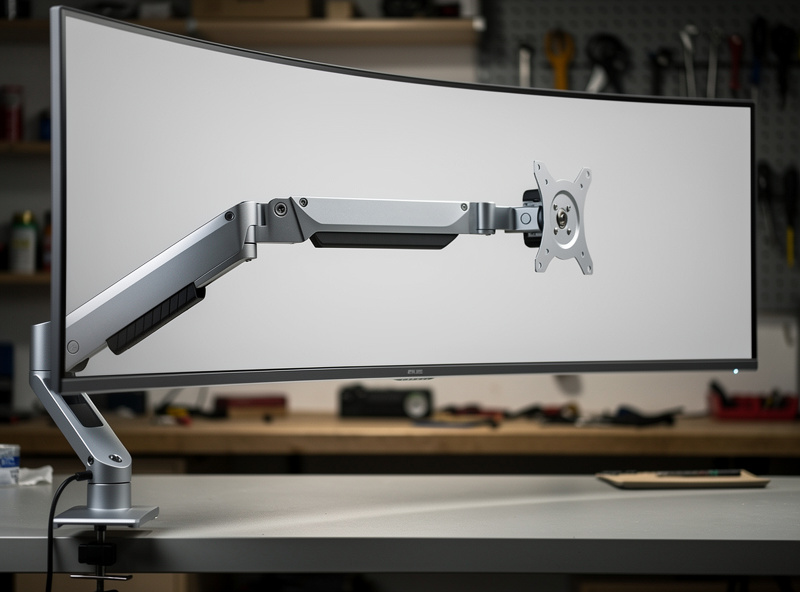
Weight alone doesn’t tell the whole story, because a wide panel acts on a longer lever. A 34-inch ultrawide at 7 kg puts more rotational load on the arm’s joints than a 27-inch at the same 7 kg, simply because its mass is spread further from the pivot. That’s why manufacturers publish a separate maximum screen size alongside the weight range.
When I load-tested a wide panel on an arm rated comfortably for its weight but at the edge of its screen-size spec, the pan joint loosened over weeks and the screen started yawing. The weight was fine; the leverage wasn’t. So for anything 34 inches and wider, treat the screen-size rating as a hard limit even if you’re well under the weight number. The full monitor arm guide covers how this plays into single-versus-dual choices.
How Much Headroom to Leave
Aim to put your panel in the middle third of the arm’s range, leaving a little headroom above. If your monitor is 6 kg, an arm rated 2–8 kg is better than one rated 1–6 kg even though both technically "fit" — the first puts you mid-band, the second pins you at the ceiling where tension is maxed and joints wear fastest.
Headroom also buys you smooth repositioning rather than a fight. An arm loaded near its limit takes more force to move and tends to overshoot or undershoot the spot you want, because the tension that holds a heavy load static also resists the small nudge you give it. With the panel mid-band, one finger moves the screen and it stays where you let go — which, on a desk you actually adjust through the day, is the whole reason you bought an arm instead of a fixed stand. I treat anything that needs two hands to reposition as a sign the load is too close to the top of the range.
Headroom also protects you when you upgrade. Monitors tend to get bigger, not smaller, so an arm with room to spare survives your next panel. There’s a second reason to leave room: accessories add weight the rating doesn’t anticipate. A webcam clamped to the top, a light bar resting on the bezel, or a heavy VESA adapter plate can each add a few hundred grams that push a mid-band load toward the ceiling, so I weigh the whole assembled head — panel, plate, and anything bolted on. The honest exception is a sub-$40 arm: those often state an optimistic top number, so I derate the stated maximum by roughly a kilogram in my planning and buy as if a "2–8 kg" budget arm is really good to about 6–6.5 kg. A simple digital luggage scale settles the question in thirty seconds, and a clamp spreader plate is cheap insurance if you’re loading a heavy panel onto a thin top.
As an Amazon Associate I earn from qualifying purchases.
Frequently Asked Questions
What does a monitor arm weight rating actually mean?
It is a counterbalance range, not a single maximum. An arm rated 2 to 8 kg holds loads best in the middle of that band. Your monitor’s head weight should land mid-range, not at the ceiling, where tension is maxed and joints wear fastest.
How do I find my monitor’s weight for an arm?
Use the spec sheet line that says weight without stand or head only, not the shipping or with-stand figure. If it is unclear, hang a digital luggage scale from the VESA bracket. A 27-inch flat panel typically weighs 4 to 6 kg.
Why does my light monitor drift upward on the arm?
The arm is over-sprung for the load. A 3 kg panel on an arm with a 4 kg minimum drifts up because the spring pushes harder than the light monitor resists. Buy an arm whose range brackets your weight with the panel near the middle.
Does monitor width affect the weight rating?
Yes. A wide panel acts on a longer lever, loading the joints more than its weight alone suggests. A 34-inch ultrawide at 7 kg stresses the arm more than a 27-inch at 7 kg. Treat the manufacturer’s screen-size rating as a hard limit.
Can I trust a budget arm’s maximum weight number?
Derate it. Sub-40-dollar arms often state an optimistic ceiling, so plan as if a 2 to 8 kg budget arm is really good to about 6 to 6.5 kg. Leave headroom and keep your panel out of the very top of the stated range.
