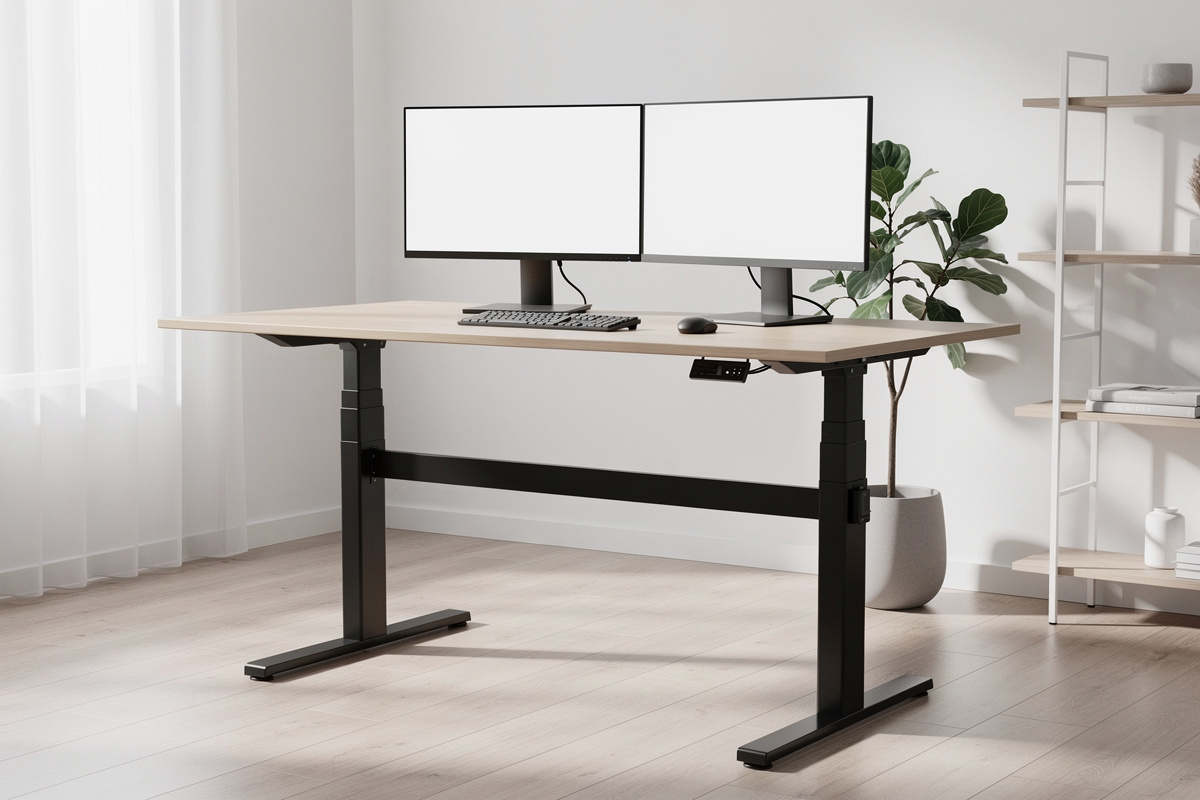

The FlexiSpot E7 wobble test is the question that decides whether this frame is the value champion everyone calls it or a desk you’ll be apologising for. The E7-class frame is my long-running value reference — I bought one, self-assembled it, and load-tested it against a premium frame with the same monitor array — so I can tell you exactly what its stability looks like at full height, where the wobble actually comes from, and what you can do about it. This is the honest version, not the affiliate-glow version: a genuinely good frame with one characteristic you should understand before you stand at it all day.
Before anything else, the framing: this is a comfort, fatigue, and geometry article, not a medical one. I’m talking about how a steel frame behaves under load at standing height — stability, sway, settling time — the things I can measure on my own bench and you can feel by mid-afternoon. No health claims live here.
The short answer on E7 wobble
The E7 is one of the most stable frames you can buy at its price, and the reason is its three-stage legs and dual motors — the two specs that matter most for stability at height. In my testing it stays composed at standing height for a normal multi-monitor load, and a firm nudge settles quickly rather than oscillating. The wobble people complain about online almost always traces to one of three things that aren’t the frame’s fault: a loose assembly, an oversized or unsupported top, or pushing the frame near the top of its travel with a heavy, off-centre load. Fix those and the E7 is rock-solid for the vast majority of setups.
A note on how I keep the lights on: some links below go to Amazon, and as an Amazon Associate I earn from qualifying purchases. It costs you nothing extra, I only point at gear I’d actually put on my own desk, and this is comfort-and-geometry guidance, not medical advice.
Why the E7 is stable: the specs that earn it
Stability at height is not magic — it’s engineering you can read off the spec sheet. The E7 uses three-stage legs, meaning each leg telescopes into three nested sections instead of two. That matters because at any given height the sections overlap more, so the leg flexes less, and the frame reaches a taller maximum without turning into a metronome at the top. It also runs dual motors, one per leg, which lifts more smoothly and handles an uneven load — a monitor arm clamped to one corner, say — far better than a single-motor frame driving both legs off one linkage. The dual vs single motor standing desk guide goes deeper on the real-world differences: load handling, sync drift, noise, and whether the price gap is justified.
Put those two together and you have the recipe that separates frames you keep from frames you resell. When I ran my wobble test — full standing height, the same monitor load every time, a firm horizontal push to the front edge — the E7 moved a controlled amount and stopped dead. That “stops dead” is the whole point. A wobbly frame doesn’t necessarily move further; it keeps oscillating after you let go. The E7 doesn’t.
Where the wobble complaints actually come from
Read enough reviews and you’ll see “wobble” attached to the E7. Having lived with one, here’s what’s really going on in almost every case.
1. The assembly is loose
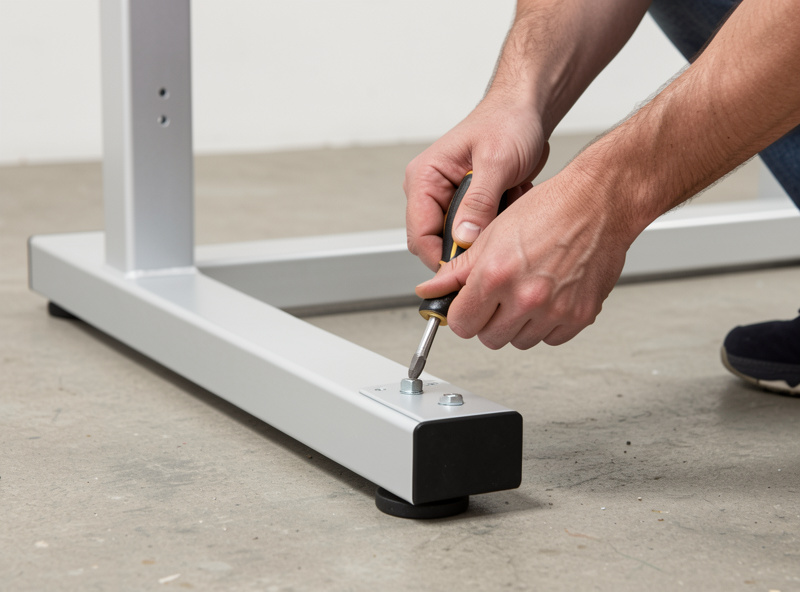
This is the big one. A standing desk frame is a structure, and a structure is only as rigid as its tightest bolts. The most common cause of E7 wobble is an assembly where the leg-to-foot bolts, the frame-to-leg bolts, or the top-mounting screws never got fully torqued. I assemble mine on the floor, snug everything by hand first, then go around a second time and properly tighten in a cross pattern — and I re-check the bolts after a week, because a new frame settles. A frame that wobbled out of the box and got tightened properly usually goes dead solid. A quality bit set makes this far less miserable than the bundled hex key.
A proper screwdriver and bit set turns the assembly from a knuckle-skinning afternoon into twenty calm minutes, and it’s the single thing that most reduces “wobble” before it starts.
2. The top is too big, too thin, or unsupported
The frame can only stabilise the area between its legs. Hang a big top far past the legs on each side and the unsupported overhang flexes — that’s not frame wobble, it’s top flex, and no frame fixes it. A thin or flimsy top makes it worse. The E7 frame is happiest under a top that’s adequately rigid and not wildly oversized for the leg span. If you’re running a big surface, that’s an argument for a stiffer top, not a stiffer frame.
3. You’re at the top of the travel with a heavy off-centre load
Every telescoping frame is least stable at its maximum extension — that’s physics, not a defect. If you’re tall, standing near the E7’s ceiling, with a heavy monitor pulled to one side, you’re asking the most of the legs at exactly the height where they have the least to give. It’s still composed, but this is the corner case where any sway shows up. Centering your heaviest weight over the frame helps more than people expect.
How to run the wobble test yourself
If you’ve got the desk, test it properly so you know what you actually have. Raise it to your full standing height — not a comfortable middle. Load it the way you normally work: monitors, arm, laptop, whatever lives there. Then put both hands flat on the front edge and push firmly fore-and-aft, then side-to-side, the way a real lean or an animated typing session loads it. Watch two things: how far the top travels, and how long it takes to settle. A controlled movement that stops immediately is a solid frame. Movement that keeps swinging for a second or two is the signature of something loose — go back to the bolts. Before you load the desk at all, it’s worth checking whether your configuration stays within the rated limit — the standing desk weight capacity guide explains how those ratings are measured and what counts toward the total.
The accessories that genuinely reduce E7 wobble
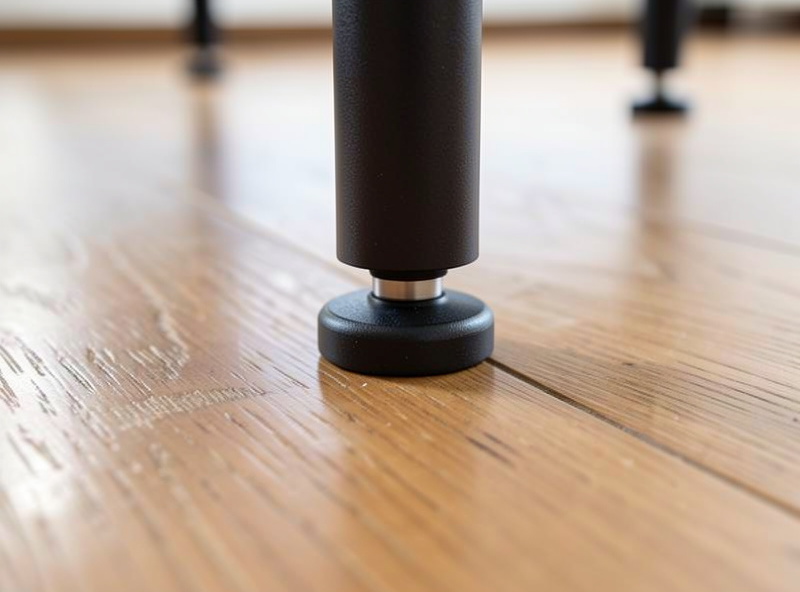
Most “anti-wobble” gadgets are nonsense, but a couple of things legitimately help. If your floor is the problem — an uneven or springy floor amplifies any frame’s sway — a set of adjustable leveling feet to kill a rocking leg does more than any bracket. And if you stand for long stretches, an anti-fatigue standing mat is the accessory I’d never skip — it’s a comfort-under-the-feet thing, not a wobble fix, but it’s the difference between using your standing range and abandoning it. The ones that survived my use were dense enough not to flatten within months.
How the E7 compares to a premium frame
I ran the E7 against a premium-class frame, same monitors, same test. The honest verdict: the premium frame was a touch more composed at the very top of its travel and felt slightly more refined in motion, but the gap was smaller than the price gap. For most people, at most heights, with a properly assembled setup, the E7 closes nearly all of that distance. You’re paying the premium for the last sliver of stability at the extremes and a nicer finish — real, but not transformative.
| Aspect | FlexiSpot E7-class | Premium frame |
|---|---|---|
| Leg stages | Three-stage | Three-stage |
| Motors | Dual | Dual |
| Stability at mid-height | Excellent | Excellent |
| Stability at full extension | Very good | A touch better |
| Value | The reference | Pay for the last 10% |
The bottom line
The E7 earns its reputation. It’s a three-stage, dual-motor frame that stays composed at standing height, and the wobble stories almost always come down to assembly, an oversized top, or the extreme corner of its travel — all addressable. Tighten it properly, give it a sensible top, keep your heaviest weight centred, and you’ve got a frame that disappears under your hands. That’s the highest compliment I give any frame. The full breakdown of what drives stability at height on any standing desk — and how to run your own wobble test — is in the standing desk stability guide.
Does the FlexiSpot E7 wobble at standing height?
Minimally, when assembled correctly. The E7 uses three-stage legs and dual motors, the two specs that drive stability at height, so it stays composed under a normal multi-monitor load and settles quickly after a nudge rather than oscillating.
Why does my FlexiSpot E7 feel wobbly?
Almost always one of three causes: bolts that were never fully tightened, a top that is oversized or too thin and flexing past the legs, or standing near the top of the travel with a heavy off-centre load. Re-torque the bolts first.
How do I stop my standing desk from wobbling?
Tighten every bolt in a cross pattern and re-check after a week, use a rigid top that is not wildly oversized for the leg span, centre your heaviest weight over the frame, and level any rocking leg with adjustable feet on an uneven floor.
Is the FlexiSpot E7 worth it compared to premium frames?
For most setups, yes. A premium frame is slightly more composed at full extension and better finished, but the gap is smaller than the price gap. Properly assembled, the E7 closes nearly all of the stability distance.
Does a bigger desktop make a standing desk wobblier?
It can. The frame only stabilises the area between its legs, so a large top overhanging far past the legs flexes at the edges. That is top flex, not frame wobble, and the fix is a stiffer top rather than a stiffer frame.
