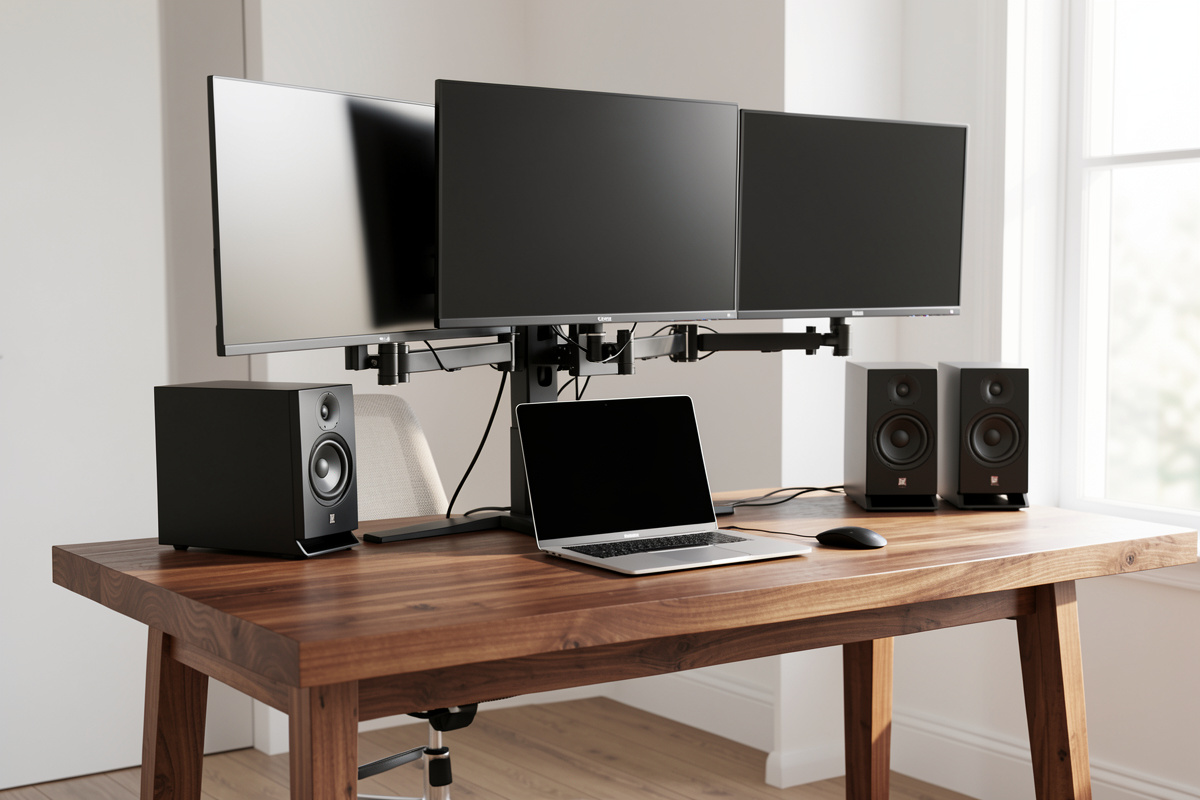

Standing desk weight capacity is the most misread number on any frame’s spec sheet, and the misreading costs people money and stability both. The rating looks like a simple promise — “holds 125 kg” — but it’s a static, balanced-load figure measured under ideal conditions, and treating it as a target instead of a ceiling is how you end up with a frame that strains, lifts unevenly, or sags toward its limit. I’ve load-tested my own frames well within and right up toward their ratings, so this is the honest breakdown of what the number actually means, what it secretly includes, and how much margin you should leave.
Framing first, as always on this site: this is a comfort, fatigue, and geometry article, not a medical one. I’m talking about mechanical load — what a steel frame lifts and holds — which is pure engineering. No health claims anywhere.
What the weight rating actually measures
The number on the box is the load the frame’s motors will lift, balanced and centred, under ideal lab conditions. That’s it. It is not a measure of stability — a frame can lift its rated load and still wobble at height. It is not a guarantee across the whole travel — frames are weakest at full extension. And it is absolutely not a number you should design your setup to approach. The honest way to read a weight rating is as a hard ceiling you stay comfortably below, leaving margin for the dynamic, off-centre, leaned-on reality of a desk you actually use. A frame loaded to half its rating behaves like a different, better machine than the same frame loaded to 95%.
How this site stays free: a link below goes to Amazon, and as an Amazon Associate I earn from qualifying purchases. No cost to you, only gear I’d use myself, and everything here is comfort-and-geometry guidance, not medical advice.
The number it secretly includes: your top
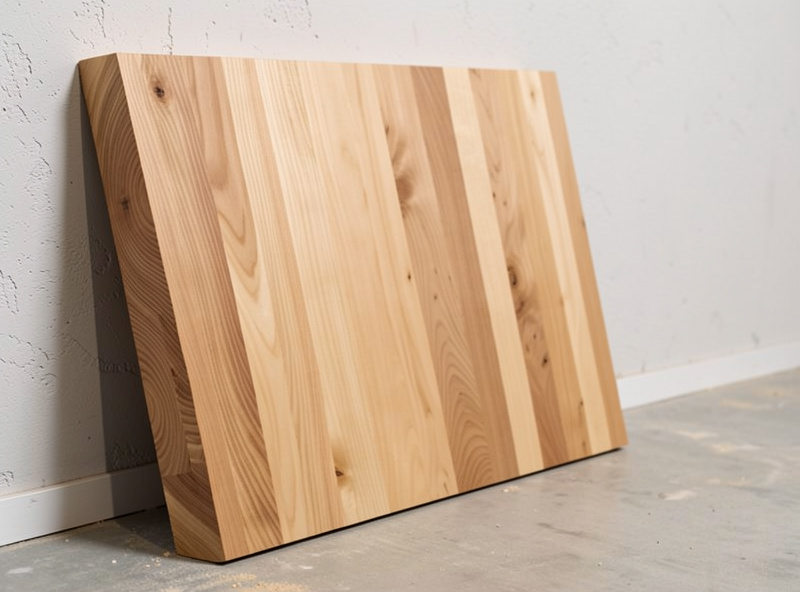
Here’s the part that catches everyone. The weight rating is the total the frame lifts — and the desktop counts against it. A heavy solid-wood slab can weigh a serious fraction of the total before you’ve placed a single monitor. People read “125 kg capacity” and imagine 125 kg of monitors and gear, when a chunk of that budget is already spent on the surface the rating is lifting. If you’re going for a heavy butcher-block or solid-wood top, subtract its weight first, then count your gear against what’s left. This single oversight is why some DIY-top builds feel sluggish on the lift — the frame is closer to its limit than the owner realises.
Static rating versus the dynamic reality
A desk in real life is not a static lab load. You lean on it. You bump it. You put weight off to one side — a monitor arm clamped to a corner pulls down harder on that leg than a centred load of the same mass. You raise and lower it, which is when the motors work hardest. None of that is in the static rating. So the rating isn’t lying, it’s just describing a calmer world than your office. The way you bridge the gap is margin: load the frame to well under its rated number so there’s headroom for the leaning, bumping, and off-centre loading that the lab never tested. I aim to stay comfortably below the rating, not because the frame will collapse otherwise, but because a frame with margin lifts smoothly, stays level, and lasts.
How to estimate your real load
You don’t need to guess. Add it up honestly: the desktop first (weigh it or check its spec), then each monitor, the monitor arm or arms, a laptop and dock, a speaker or two, and the accumulated mass of the stuff that lives on a working desk. A hanging digital scale makes weighing an awkward top or a monitor genuinely easy — far easier than wrestling it onto a bathroom scale. Total it, then check that the sum sits comfortably under the frame’s rating with real margin to spare. If you’re sourcing a used frame, run through a used standing desk checklist before committing to make sure you know what load history it’s carrying. If your gear plus a heavy top is creeping toward the rating, that’s your signal to either go for a lighter top or step up to a frame with a higher capacity. Do this before you buy and you’ll never wonder whether the lift feels strained.

Why an off-centre load matters more than total weight
This is the subtlety that separates people who buy the right frame from people who buy by the headline number. Two desks can carry the same total mass and behave completely differently depending on where that mass sits. A load centred between the legs is the easy case — it’s roughly what the static rating assumes. But clamp a heavy monitor arm to one back corner and that single leg now carries a disproportionate share, both during the lift and while parked. The motor on that side works harder, the frame is more prone to lifting unevenly, and any flex shows up faster. The total weight might be well under the rating while one leg is effectively over-stressed.
The fix costs nothing: distribute weight toward the centre and across both legs where you can. A dual-monitor setup balanced left and right is kinder to the frame than a single heavy monitor pulled to one side. When I arrange my own desk, I think about the load map, not just the load total — where the weight sits matters as much as how much there is. This is also where dual motors quietly help, since each leg has its own motor to handle its own share, but no motor layout makes an extreme off-centre load behave like a centred one. Geometry of the load beats the spec sheet.
Reading capacity claims across frame tiers
Capacity ratings climb with frame tier, but the number alone doesn’t tell you whether the frame is stable at that load — it only tells you the motors can lift it. A budget two-stage frame might claim a respectable capacity and still sway at height under that load, because capacity and stability are different specifications. Read the rating as the first filter (can it even lift my total?), then assess stability separately through leg stages and a wobble test. The frames worth buying give you both: enough capacity with comfortable margin, and the leg quality to stay steady carrying it. A high capacity number on a wobbly frame is a desk that holds your gear and annoys you while doing it.
What happens when you load right to the limit
I want to be precise here, because the internet swings between two wrong extremes: “the rating is a hard limit and one extra kilo breaks it” and “ratings are made up, ignore them.” Neither is true. Load a frame right up toward its rating and it doesn’t dramatically fail — but it does get worse at everything you bought it for. The lift slows and strains because the motors are working near their limit. The travel is more likely to hitch on an uneven load. Stability at full height degrades, because a frame near its capacity has nothing left in reserve when you lean on it. And over years, a frame run constantly near its limit is working harder than one with margin. None of that is catastrophic; all of it is avoidable by simply buying capacity you won’t use up.
That’s the whole argument for headroom. The extra capacity you pay for in a higher-rated frame isn’t there so you can load it to the brim — it’s there so your actual load sits in the comfortable middle of the frame’s ability, where it lifts smoothly, stays level, and holds steady. You’re not buying the top number; you’re buying the distance between your real load and that number. That distance is what you feel every time you raise the desk.

The practical rule I follow
After all the testing, my rule is simple: total your real load including the top, then buy a frame whose rating gives you meaningful headroom above that total — not a frame whose rating you’ll be brushing against. The margin buys you smooth lifts, level travel, stability that doesn’t degrade as you load it, and a frame that ages well instead of straining from day one. Capacity is cheap insurance when you buy with room to spare, and an expensive regret when you buy right to the edge. Treat the number as a ceiling, never a goal, and weigh your top before you trust the rest of the math.
