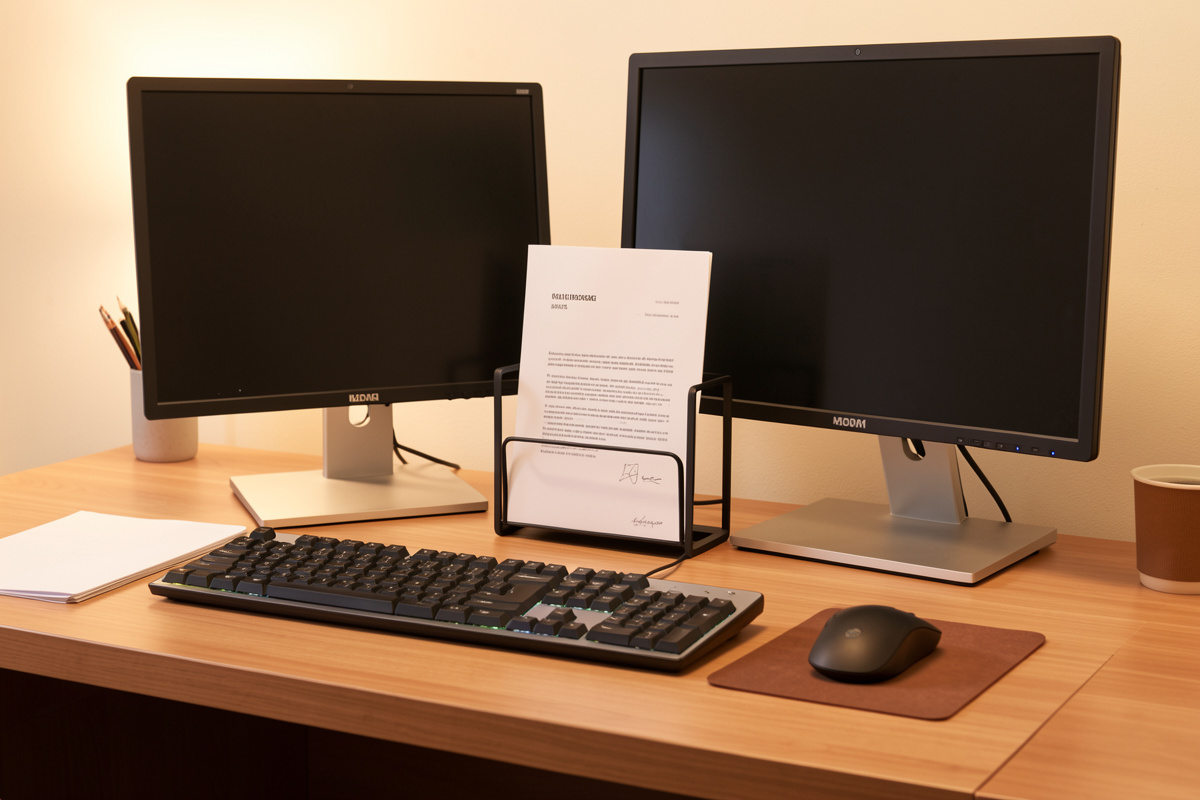

A document holder is the cheapest geometry fix on my desk. It lifts reference paper to the same eye line and monitor distance I already dialed in for my screen, so my eyes and head stop dropping to the desk and back a hundred times an hour. That is the whole job.
I added one the same week I finally measured my monitor to my eye line and stopped guessing. Once the screen sat right, the paper lying flat on the desk suddenly looked wrong: every glance down was a head tilt and an eye-travel I had just engineered out of the monitor. This guide is the inline, slant, and monitor-mount breakdown from my setup log, plus how I size and place one.
Why flat-on-desk reference fights your eye line
You already set your monitor height so the top third sits near eye level and the screen sits an arm’s length out. Paper flat on the desk lives 30-40 cm lower and closer. Every reference glance undoes that geometry: head drops, eyes refocus, then back up.
I think of it as eye travel. In my setup log, my monitor center sits about 75 cm from my eyes and roughly level with my horizon line minus a small downward angle. A sheet flat on the desk sits maybe 45 cm out and far below that line. To read it I rotate my head down and my eyes re-converge on a closer plane. Do that once, it is nothing. Do it every few seconds while copy-typing an invoice, a recipe, or a code printout, and you feel it across an afternoon.
The fix is not exotic. It is the same logic you used on the monitor height and eye line setup and on monitor distance by screen size: get the thing you stare at up onto the same line and the same distance, so your head and eyes stop hunting. A document holder just extends that line sideways to your paper. Nothing about it is medical or magical; it is geometry you can measure with a tape.
The holder types and where each one sits
Four shapes cover almost everything. They differ mostly in where they sit on the desk and how much eye travel they remove. The quiet winner for anyone who copy-types is the inline holder that sits between keyboard and monitor; the rest are situational.
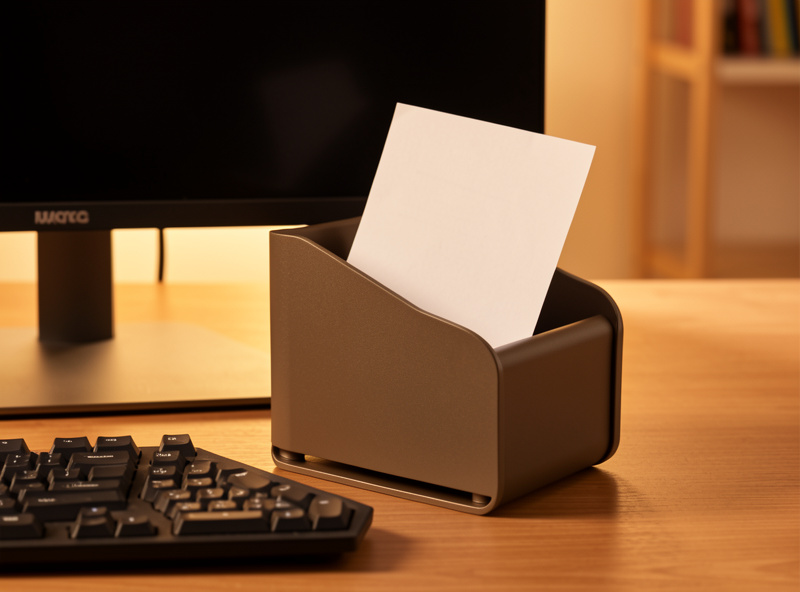
An inline (in-line) holder is a shallow angled tray that lives in the gap between the back of your keyboard and the monitor base. Your reference sits dead center, just below and in front of the screen, so the eye drop is tiny and there is no head rotation at all. For sustained copy-typing this is the one I keep deployed.
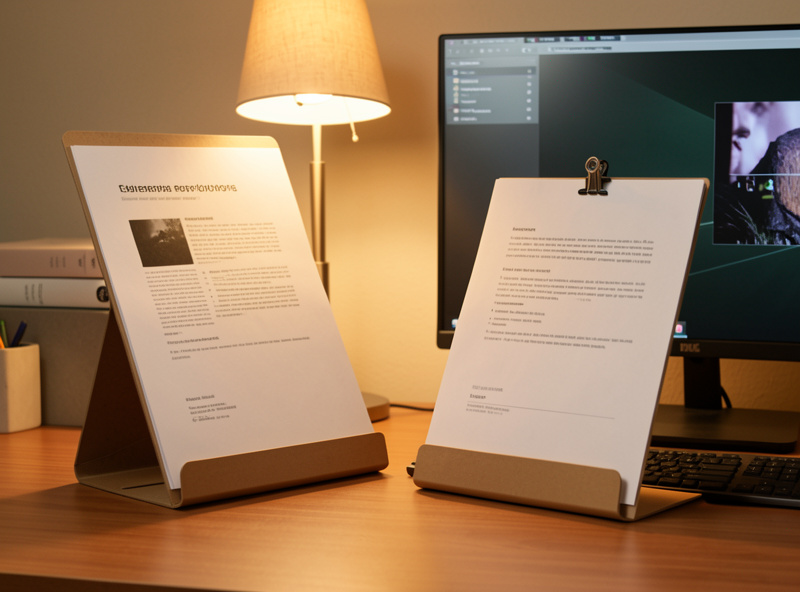
A desktop slant or easel stands the paper up at an angle off to one side. It is taller and reads more like a small lectern. Eye travel is a real sideways rotation, but it handles thick books and bound material an inline tray cannot, and it stores flat. I use mine for occasional reference, not constant copy work.
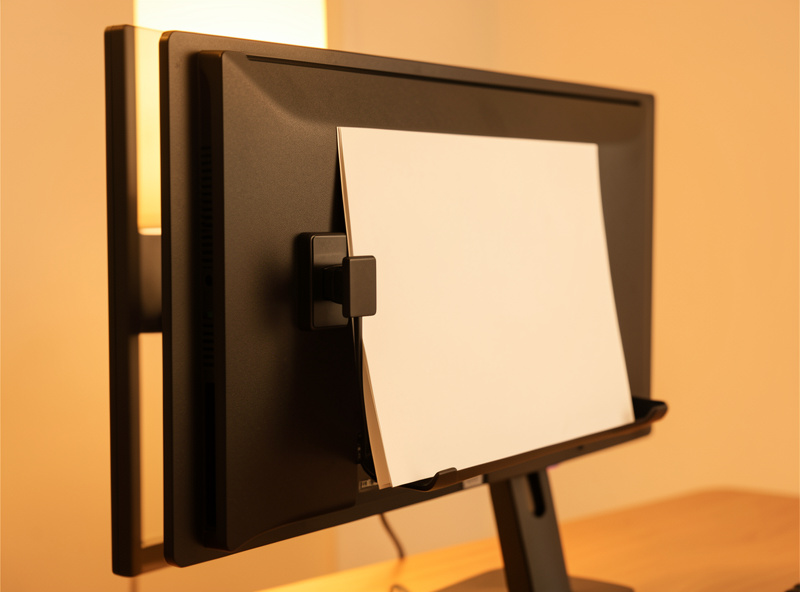
A monitor-mount clip attaches to the bezel or arm and holds a single page beside the screen at screen height. It uses zero desk footprint, which is why I reach for it on a tight setup. The trade-off: it only takes a sheet or two, and the paper sits to one side, so there is more eye rotation than an inline tray.
A freestanding A4 stand is the simplest: a fixed-angle board with a lip, parked wherever you have room. Cheap, takes a stack, but it is the least adjustable and eats desk space. On a small desk it competes with everything else, which is where my small-space desk guide thinking kicks in: footprint is currency.
Holder types compared
Here is the same comparison I keep in my setup log, scored on where it sits, how much eye travel it removes, what it costs you in desk space, and the rough price band I have paid. Pick by your dominant use, not by looks.
| Type | Where it sits | Eye-travel effect | Desk-space cost | Rough price band |
| Inline / in-line tray | Between keyboard and monitor, dead center | Smallest: tiny eye drop, no head rotation | Low: uses the dead gap you already have | Low to mid |
| Desktop slant / easel | Stood up at an angle, off to one side | Moderate: real sideways rotation, near eye height | Medium: a footprint to the side | Low to mid |
| Monitor-mount clip | Clipped to bezel or arm beside the screen | Moderate: at screen height but off-center | None: zero desk footprint | Low |
| Freestanding A4 stand | Parked anywhere with room | Variable: depends where you put it | High: a fixed block on the desk | Low |
Sizing it to your paper and weight
Two numbers decide fit: the largest thing you hold and how heavy it gets. Most holders are built for a single A4 or Letter sheet. The moment you reach for a bound manual or a thick recipe book, the lip and the clamp force become the spec that matters, not the angle.
For loose sheets and a few stapled pages, almost any inline tray or clip works. For a paperback, a magazine, or a spiral-bound notebook, I size up: I want a lip deep enough that the spine does not slide off and a clip or arm that holds the book open without me fighting it. In my log, the holders that failed were the flimsy clips that could not keep a paperback open past the first chapter.
Weight is the quiet killer on monitor-mount clips. A single page is fine; a half-ream of printout will sag the arm and pull on your bezel. If you copy-type from anything thick, a tray or slant that rests its load on the desk beats a clip that hangs it off your screen. Check the holder’s stated capacity and assume the real comfortable load is a bit under it.
Placing it: match the line you already set
Placement is where a document holder earns its keep or becomes clutter. The goal is simple: put the reference as close as you can to the monitor’s height, distance, and angle, on the side of your dominant eye, so the jump from screen to paper is the shortest possible.
My method, straight from the setup log:
Match the height. Raise the holder so the top of the paper sits as near as practical to the top third of your screen. An inline tray will sit a bit lower; that is fine, the gap is small. A slant or clip can usually reach screen height, so use that.
Match the distance. Pull the paper to roughly the same plane as your monitor, around an arm’s length. If the reference sits much closer than the screen, your eyes re-focus on every glance, which is the exact thing you are trying to stop. I measure both with the same tape and aim to keep them within a hand’s width of each other in depth.
Pick your dominant-eye side. If you are reading from one side, put the holder on the side of your dominant eye so the rotation is shorter and more natural. To find it quickly: point at a distant object with both eyes open, then close one eye at a time; the eye that keeps your finger on target is dominant. Small thing, but it cuts the sideways eye travel.
Tilt to kill glare. Angle the paper so your lighting layer does not bounce off it into your eyes. I tilt mine until the overhead and the desk lamp stop reflecting, the same way I angle a screen. If you run a separate light, the OSHA computer-workstations reference is a reasonable, non-clinical primer on arranging source documents and lighting.
An inline tray needs the least fiddling: it drops into the dead space between keyboard and monitor and is already on-center and near-distance. That is exactly why I rate it the default for copy-typing. A clip or slant takes a minute of aiming but rewards you on a small desk where the gap in front of the monitor is already spoken for.
The honest verdict: it depends on whether you copy-type
A document holder is a clear win if you regularly type from paper, and dead clutter if you do not. The whole value is removing repeated eye and head travel. No repetition, no payoff. Be honest about your own workflow before you buy.
If you copy invoices, recipes, music, code printouts, study notes, or anything you read while typing, you will feel the difference within a session. The constant glance-down-and-back is the cost a holder erases, and an inline tray erases the most of it for the least money and footprint. After living with mine for months, the inline holder is the one piece on this list I would replace immediately if it broke.
If your reference is digital, or you only glance at paper a few times a day, skip it. A holder you barely use is just another object competing for the gap in front of your monitor, and on a tight desk that gap is precious. There is no comfort benefit from a tool you do not actually use; do not buy geometry you will not exercise.
Pair it with the rest of your peripheral layer rather than treating it as a standalone gadget. A foot rest sorts the bottom of your sitting geometry, your audio setup is covered in headset vs speakers for desk work, and the full picture lives in my ergonomic peripheral tools guide. The document holder is one small, cheap, measurable piece of that line.
If you want to try one, search an inline document holder for copy-typing, or a desktop document stand if you mostly hold books and bound material.
As an Amazon Associate I earn from qualifying purchases.
Does a document holder really reduce eye and neck travel?
It raises reference paper toward the same eye line, distance and angle as your monitor, so your eyes and head stop dropping to the desk and back repeatedly. The benefit is shorter, less frequent eye travel, framed as comfort, not as any medical claim.
Inline tray or monitor-mount clip, which is better?
An inline tray sits dead center between keyboard and monitor and removes the most eye travel, so it is my default for copy-typing. A monitor-mount clip uses zero desk footprint and suits a tight desk, but it holds only a sheet or two and sits off to one side.
Which side should I place the holder on?
Place it on the side of your dominant eye so the sideways rotation is shorter. Find your dominant eye by pointing at a distant object with both eyes open, then closing one eye at a time; the eye that keeps your finger on target is dominant.
Can a document holder take a book, not just loose sheets?
Some can. For a paperback, magazine or spiral-bound notebook, size up to a holder with a deep lip and a clip or arm strong enough to hold it open. Flimsy clips that cannot keep a book open past the first pages are the ones that failed in my testing.
Is a document holder worth it if my reference is mostly digital?
No. The entire value is removing repeated glances down to paper while you type. If your reference is on screen or you only check paper a few times a day, a holder just competes for the gap in front of your monitor and is not worth the desk space.
