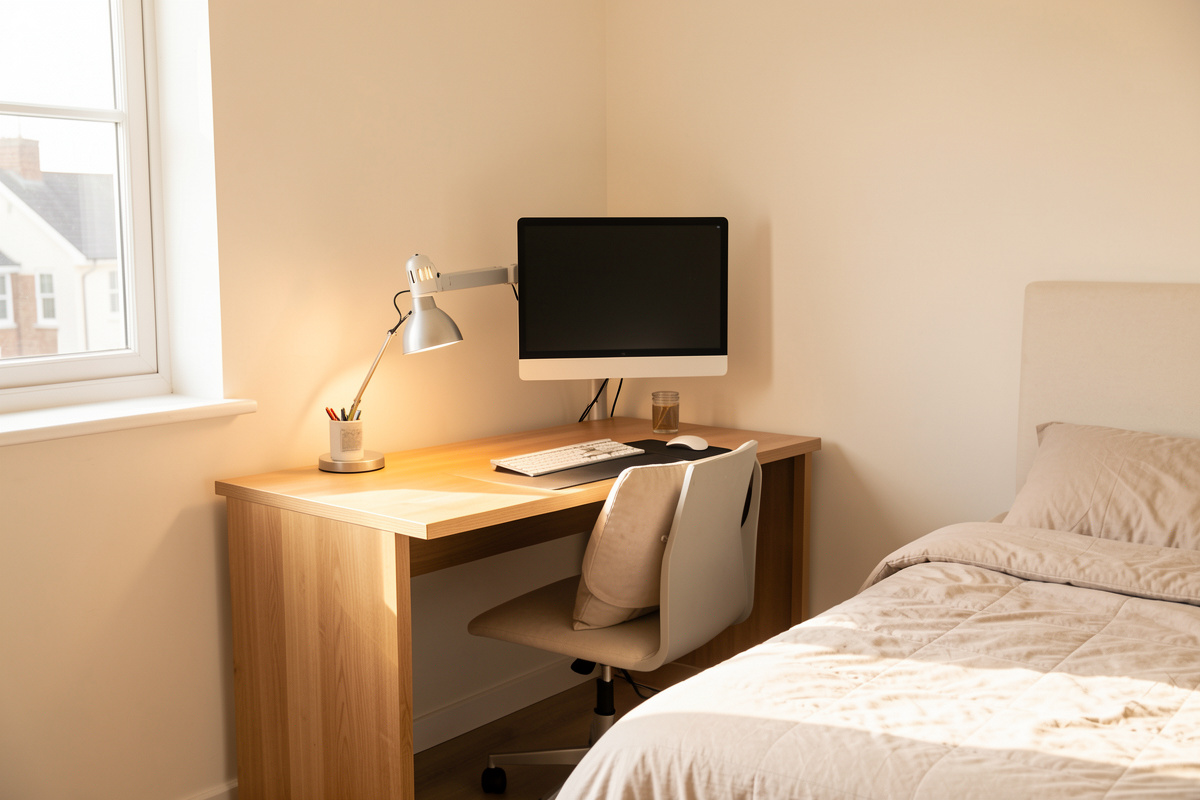

A small-space desk setup works when you size the room first and the desk second. In my setup log, a usable apartment workstation needs roughly a 60 cm deep footprint, a monitor pushed back to arm’s length, and your forearms landing at elbow height — the same three numbers a big office demands, just packed tighter. The room shrinks; the geometry does not.
I have built every workstation I have ever worked at, and the cramped ones taught me more than the spacious ones. When you have a whole wall to play with, you can hide bad planning behind extra surface. In a 9 square-metre bedroom corner you cannot — every centimetre is accounted for, every cable is visible, and the desk you buy on impulse becomes a shelf you resent. This guide is the measurement-first way through it: how to read your floor plan, which desk shapes actually fit small rooms, how to claw back surface by going vertical, and where the money genuinely matters. It links out to the deeper guides for each piece so you can drill into the part you are stuck on.
Start With the Footprint, Not the Desk
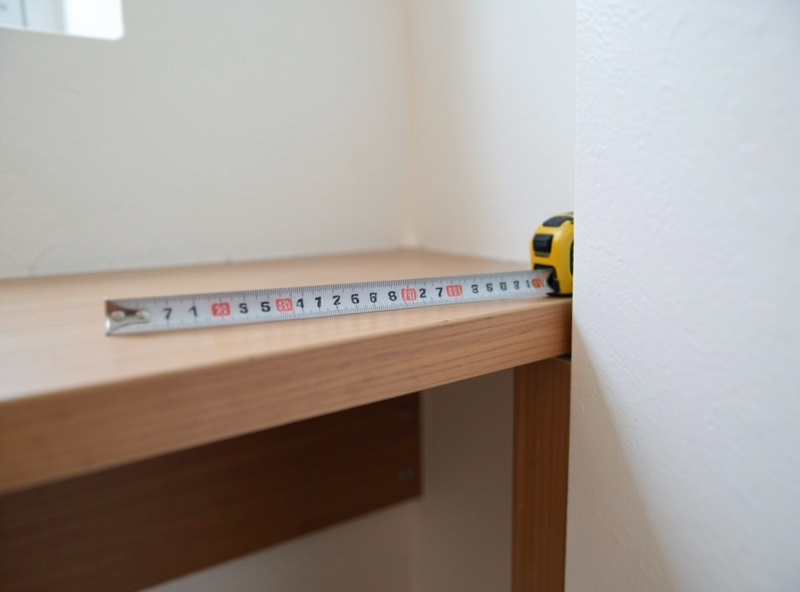
Before you look at a single product, measure the slot the desk has to live in — width, depth, and the swing of any door or drawer. A small-space setup fails most often because the desk’s listed footprint ignored the chair pull-out behind it, which needs another 50–60 cm of clearance to sit down without hitting a bed or wall.
I keep a setup log for exactly this reason, and the first line of every entry is the room, not the gear. Tape-measure the wall length, mark where the power outlet sits, and note the swing radius of the nearest door. Then subtract chair clearance from the back of the desk. What is left is your real working footprint, and it is almost always smaller than you pictured. A 100 cm wide desk in a 110 cm alcove leaves 5 cm each side — fine for the desk, hopeless for routing a cable down the leg or reaching the wall socket. Plan the gaps before you plan the surface.
Depth is the number small-space buyers get wrong most. A 45 cm deep desk looks space-savvy until a 27-inch monitor on its stock stand eats 25 cm of it and shoves your keyboard to the front lip. The fix is not a deeper desk — it is a monitor arm that reclaims that depth, which is why arms matter more in tiny setups than anywhere else.
The Geometry Does Not Shrink With the Room
This is the rule small-space guides skip: comfort geometry is fixed by your body, not your square footage. Your forearms still want to land at elbow height, the top of the screen still belongs near eye line, and the panel still wants to sit roughly an arm’s length back. A cramped room changes how you achieve those numbers — it does not let you ignore them.
Set desk height first. The free, reliable method is the elbow rule: sit as you actually work, and the desk surface should meet the underside of your relaxed forearms. I walk through the math and where the popular calculators go wrong in the desk height calculator vs the elbow rule breakdown, and the full method lives in the desk height guide. In a small space this matters more, not less, because you have fewer options to compensate — you cannot just roll the chair back and improvise.
Monitor geometry is where tiny desks get interesting. Screen height and eye line is non-negotiable, but on a shallow desk you have to earn the distance. Distance by screen size tells you a 24-inch panel wants about 60 cm and a 27-inch closer to 70–80 cm — numbers a 45 cm desk cannot give you with a stock stand. Going vertical and going back, via an arm or a wall mount, is how a small room buys those centimetres without buying floor space.
Choosing the Desk Shape for Your Room
Four desk shapes solve small rooms, and they solve different rooms. A wall-mounted fold-down desk vanishes when you are not using it. A corner desk turns dead corner space into surface. A compact straight desk is the simplest fit for a wall slot. And a closet conversion — a cloffice — hides the whole workstation behind a door. The right one depends on whether your constraint is floor area, the need to disappear the desk daily, or sharing the room with a bed.
The table below is how I’d frame the trade-off before drilling into the dedicated guide for each. Footprint figures are typical street-spec ranges, not promises — measure your own slot against them.
| Desk type | Typical footprint | Best for | Main trade-off |
|---|---|---|---|
| Wall-mounted fold-down | 60–90 cm wide, 0 cm when folded | Rooms that must reclaim the floor daily | Limited depth and weight; you re-set geometry each time |
| Corner desk | ~120×120 cm L-shape | Bedrooms with a dead corner and dual monitors | Eats two walls; hard to wall-mount an arm cleanly |
| Compact straight desk | 80–110 cm wide, 50–60 cm deep | A clean wall slot, single or dual monitor | Depth fights big monitors without an arm |
| Cloffice (closet conversion) | Fits the closet, ~60–75 cm deep | Hiding work entirely in a shared room | Ventilation, lighting and reach all need planning |
I go deep on the two head-to-head decisions most people get stuck on: the corner desk vs straight desk for small rooms comparison, and a shortlist of the best compact desks for small spaces with the dimensions that actually matter. If the desk needs to disappear, the wall-mounted fold-down desk guide covers stud-mounting, weight limits and the geometry reset problem.
Going Vertical: Monitor Arms and Floating Shelves
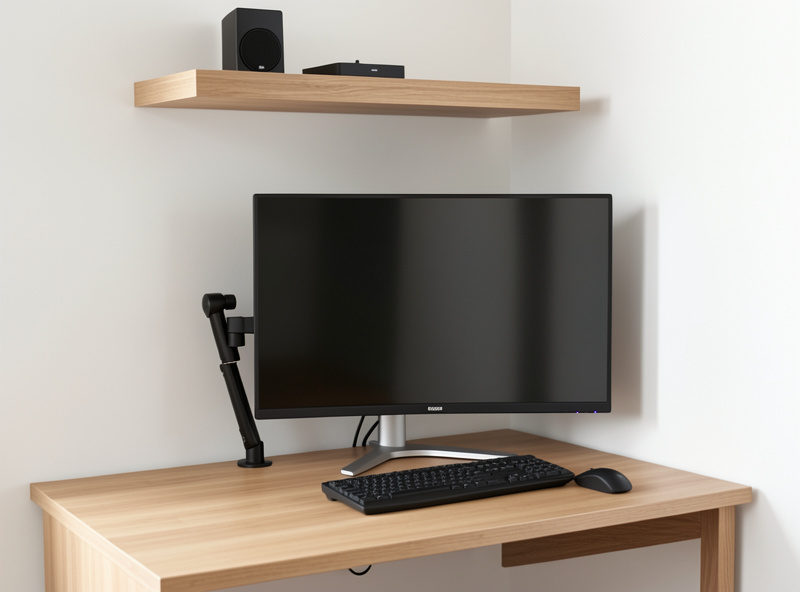
In a small space, the most valuable real estate is the wall, not the desktop. A monitor arm lifts the screen off the desk entirely, hands you back 20–25 cm of depth, and lets you push the panel to a proper viewing distance against a shallow surface. On my own narrow desk it was the single change that made a 27-inch monitor usable without my keyboard hanging off the edge.
Arms care about your desk, though. A thin or hollow small-desk top, or a desk with no rear overhang, fails a standard clamp — which is why the clamp and grommet reality guide exists. For a tiny setup specifically, I pulled the load math and mounting checks into a monitor arm for small desk setups guide, because the failure modes are different when the desk is light and shallow. If you run two screens in a corner, the dual arm vs two single arms decision changes how much wall and clamp space you need.
Floating shelves are the other vertical win, and they are underrated as desk accessories. A shelf above the monitor holds the things that otherwise clutter a small desktop — the dock, the hub, a speaker, the stuff you reach for twice a day — and clears the surface for actual work. The floating shelves as desk accessories guide covers bracket load, the height that keeps them out of your eye line, and what belongs up there versus on the desk.
Cable Management Is Not Optional in a Tiny Setup
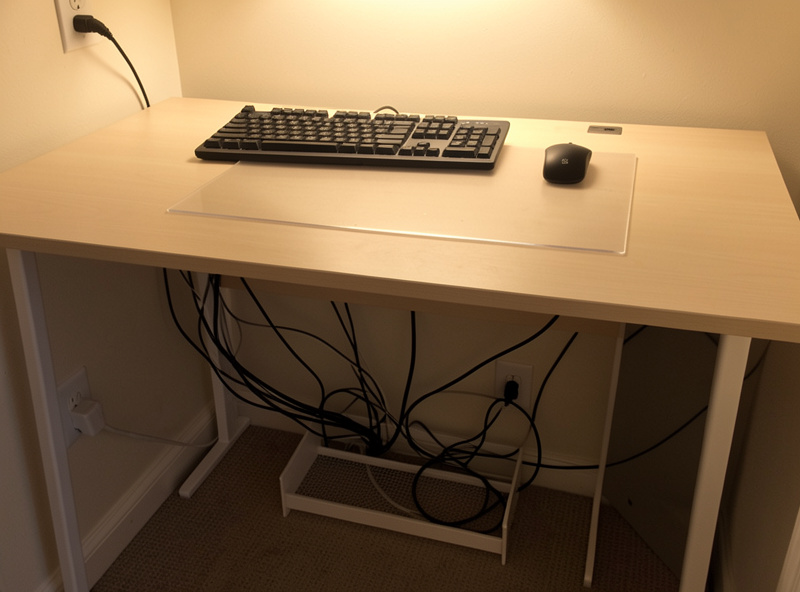
On a big desk, messy cables are an annoyance. On a small desk they are a functional problem — they steal the limited surface, snag the chair, and make the whole setup read as cluttered no matter how tidy the rest is. A tiny setup needs a cable spine: one tray or channel under the desk where the power strip, dock and slack all live, so the desktop carries only what your hands touch.
The method I use is the same regardless of desk size, but it pays off most when space is tight: bundle by destination, mount the power strip off the floor, and leave service loops so the desk can still raise or move. I wrote the small-space version up in the cable management for tiny desk setups guide. The payoff is real surface area — a clean cable spine is the difference between a 90 cm desk that feels usable and one that feels like a junk drawer.
The Cloffice: Hiding the Whole Workstation
If you share the room with a bed and the desk has to disappear, a cloffice — an office built into a closet — is the cleanest answer. You get a defined work zone with a door you can shut, which does more for the end-of-day boundary than any productivity app. But a closet was not designed for sitting in: depth is shallow, the lighting is usually a single bulb, and ventilation is whatever the door leaks.
The geometry still rules. A closet shelf at the wrong height is just a high desk you cannot adjust, so the desk-too-high fixes apply directly. I cover mounting the work surface at elbow height, adding task lighting that does not cook the space, and keeping a laptop-first setup docked cleanly in the cloffice setup guide. If you work mostly from a laptop in there, pair it with the laptop ergonomics and docking method so the screen still lands at eye line.
Standing in a Small Room: The Sit-Stand Frame as a Footprint Trick
A sit-stand frame is the most space-efficient piece of furniture you can put in a small room, and almost nobody frames it that way. Instead of a desk plus a separate standing station, one adjustable frame gives you both zones in the same footprint — you change the geometry, not the floor plan. In a studio or a shared bedroom that is the difference between two pieces of furniture and one.
The catch in a small space is wobble. A frame at full standing height with a monitor on an arm is a longer lever, and a cheap frame telegraphs every keystroke when it is extended. I load-test mine the same way every time: the real monitor array mounted, raised to full height, and a deliberate nudge at the crossbar to see how long the oscillation takes to settle. The honest verdict and the physics behind it are in the stability at height write-up, and if you are weighing the value tier, the FlexiSpot E7 wobble test is the reference point I keep coming back to. A small-space frame also has to respect the same weight capacity reality as a big one — the rating is not the number you load it to.
Lighting a Small Setup Without Adding Clutter
The lighting layer is where a small desk wins back comfort that the cramped geometry took away. A desk lamp eats surface you do not have, so in a tight setup the answer is a monitor light bar that clamps to the top of the screen and casts light onto the desk without a base, plus a strip of bias lighting behind the panel. Neither touches the desktop, which is the whole point in a small space.
I run this in my own office through dark Nordic winters, where the screen is often the brightest thing in the room for months. A light bar keeps the working surface lit without throwing glare onto the panel, and bias lighting behind the monitor softens the contrast between a bright screen and a dark wall, which makes long evenings at the desk feel easier on the eyes. I frame this strictly as comfort and eye fatigue, not as a health treatment — what I can say is that after years of testing both, the no-footprint lighting layer is one of the few small-space upgrades I would not give back. A monitor light bar is the version that costs you zero desk space.
My Small-Space Setup Log: What Actually Held Up
My current office is not large, and it has been iterated for years — which means I have lived with the small-space compromises long enough to know which ones hold. The standing-desk frame stayed, because a sit-stand frame in a small room is a space multiplier: you get a standing zone without a second piece of furniture, and the height presets let two people share one slot. I load-tested it at full height with my real monitor array before I trusted it, and the method is in the standing desk frame guide.
The monitor arm stayed — non-negotiable on a shallow desk. The floating shelf stayed. The thing that did not hold was clutter tolerance: in a small space, every accessory you add has to earn its footprint, and the ones that did not get used daily went into a drawer within a month. My honest verdict after years of this is that small-space comfort is mostly subtraction. You are not adding gadgets to a cramped desk — you are removing everything that is not load-bearing until the geometry is clean.
One caveat I will flag plainly: I write about geometry, fatigue and how a setup feels over a long working day, not medical outcomes. If you have pain or a clinical concern, that is a question for a physiotherapist, not a desk blog. What I can tell you is what a measured, decluttered small-space setup feels like to work in — and a tidy 90 cm desk with the screen at the right distance beats a cluttered 160 cm one every time.
What to Buy First in a Small Space
Spend in this order, because it is the order that pays back the most usable space per dollar. First, nothing — set your desk height and monitor geometry with a tape measure, because the free fix beats most purchases. Second, a monitor arm, because it reclaims the depth a small desk cannot spare. Third, a cable tray. Only then the desk itself, and only at the dimensions your room measured for.
When you do buy, buy for the dimension, not the marketing. A compact desk’s listed width tells you nothing about whether your knees clear the drawer or your chair pulls out behind it. If you want to browse, an Amazon search for compact desks and one for a single gas-spring monitor arm are the two categories that move the needle most in a tiny room. As an Amazon Associate I earn from qualifying purchases.
Whatever you choose, treat it like an experiment: measure before, measure after, and keep the receipt until you have sat at it for a week. The small-space setups that work are the ones their owners revised, not the ones they got right on the first impulse buy.
Frequently Asked Questions
How small a desk can I realistically work at?
A 90 cm wide, 50-60 cm deep desk handles a single monitor plus keyboard and mouse comfortably if you put the screen on an arm to reclaim depth. Below about 80 cm wide you start losing mouse room. Width is forgiving; depth is the number that bites.
Do I still need a monitor arm on a small desk?
More than on a big one. A stock monitor stand eats 20-25 cm of a shallow desk and forces your keyboard to the front edge. An arm lifts the screen off the surface, hands that depth back, and lets you set a proper viewing distance against a wall.
Is a corner desk or a straight desk better for a small room?
A corner desk converts dead corner space into surface and suits dual monitors, but it occupies two walls. A compact straight desk fits a single wall slot and is easier to clamp an arm to. Pick by which constraint your room has: wasted corner, or limited wall length.
What is a cloffice?
A cloffice is a home office built inside a closet, so the whole workstation hides behind a door when you are done. It gives a shared room a defined work zone and a clean end-of-day boundary, but you must plan for the shallow depth, weak lighting and limited ventilation a closet has.
How do I keep cables under control on a tiny desk?
Build a cable spine: mount the power strip off the floor under the desk, bundle cables by destination, and run them into a single tray so the desktop carries only what your hands touch. On a small desk, tidy cables are reclaimed working surface, not just tidiness.
Does a small space mean I have to give up on comfort geometry?
No. Elbow height, eye line and monitor distance are set by your body, not the room size. A small room changes how you hit those numbers, usually by going vertical with an arm or shelf, but the targets stay the same as in any office.
