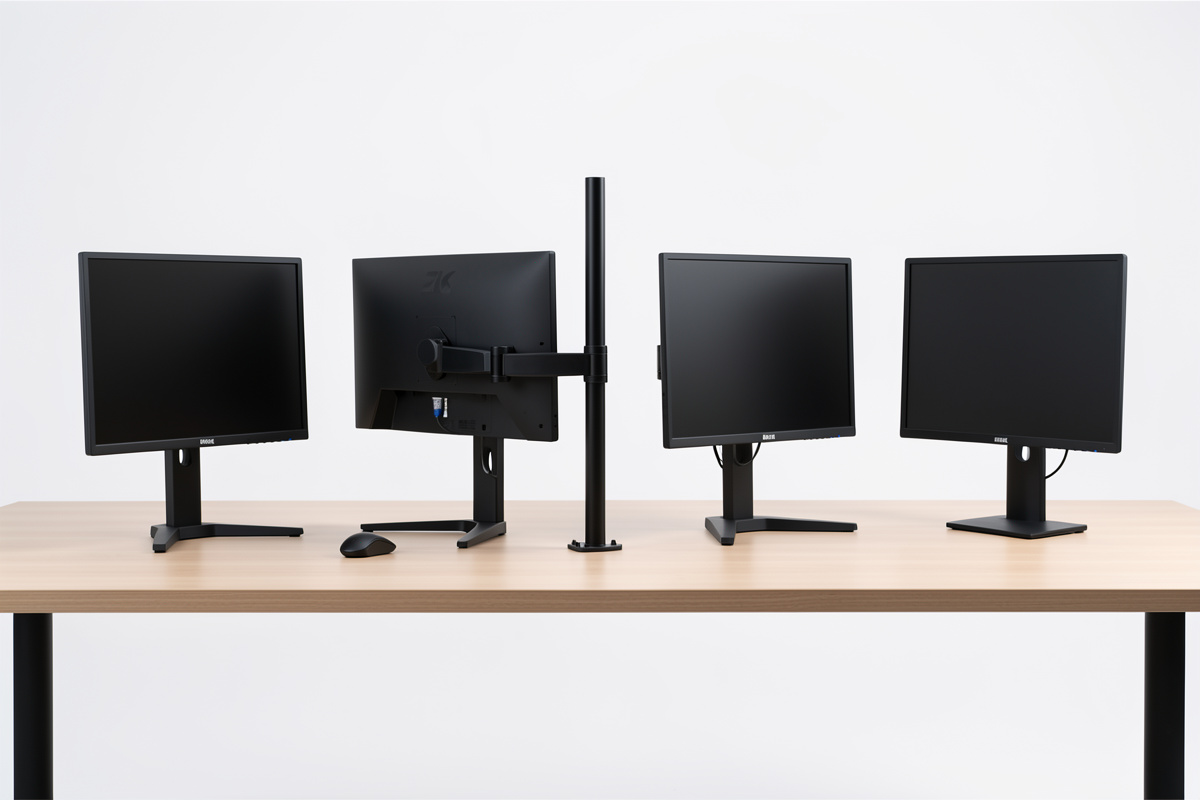

For two screens you have three real hardware paths: one dual arm on a single mount, two separate single arms, or a heavy-duty arm built for wide and heavy panels. Two single arms give independent height and depth per screen and free the most desk; a single dual arm is tidier with one clamp point but ties both panels to a shared crossbar. I have run both on my own desk, and the right pick comes down to whether your panels match, how heavy they are (most arms run a 3 to 8 kg per-screen band), and how often you reconfigure — not the brand on the box.
The reason this matters is that the arm, not the monitor, decides whether you can actually hit the height and angle your setup needs. A cheap arm that drifts or sags quietly drags a panel out of position over a week. Below I compare the options the way I judge them: load math first, then geometry, then mounting reality. This is a hardware-fit comparison, framed around comfort and stability — not any health claim.
Two Single Arms vs One Dual Arm
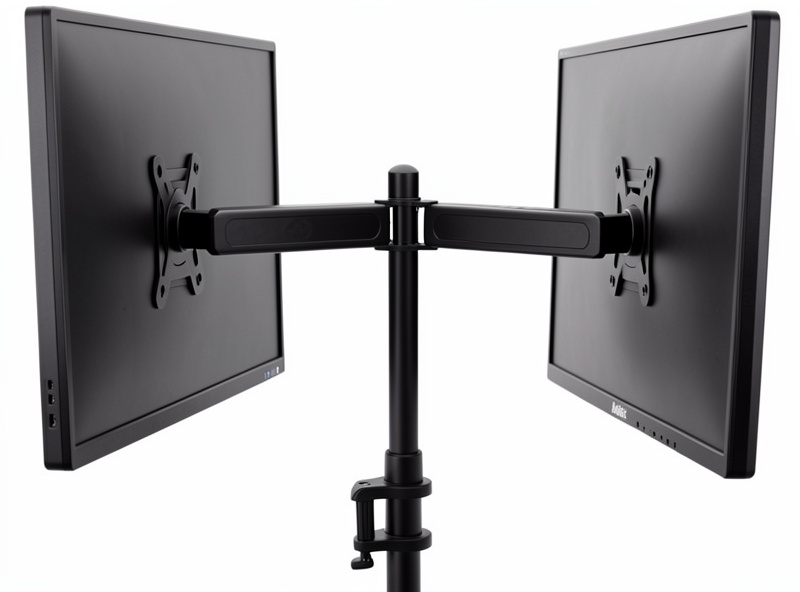
The core decision is whether to mount each screen on its own independent arm or to hang both off a single dual arm with a shared center pole. Two single arms win on flexibility: you set each panel’s height, depth, and angle in complete isolation, which is exactly what mismatched-size panels need, and you can spread them as wide as your desk allows. The cost is two clamp points eating two spots on the desk edge and a slightly busier look.
A single dual arm wins on tidiness and usually price — one clamp, one cable path, two screens that share a crossbar and move as a pair. The catch is that the shared crossbar makes truly independent height harder, so a dual arm is happiest with two identical panels. I covered the straight either/or in detail in the dual monitor arm vs two single arms breakdown; the short version is that matched panels lean dual-arm, mismatched panels lean two-single.
Load Rating: The Number That Actually Filters Your Options
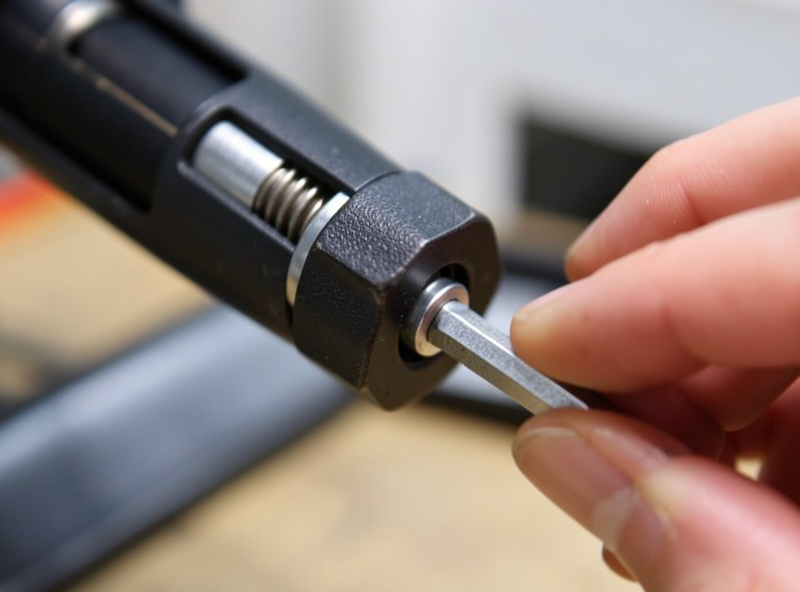
Every arm lists a weight range, and that range is the first filter — but read it as a comfort window, not a maximum. A gas-spring arm rated for, say, 3–8 kg per screen holds its position best in the middle of that band. Load it right at the top and two things happen: the spring fights to hold the panel, and over weeks it starts to drift downward as the gas slowly settles. Weigh your actual monitor (the spec sheet lists it) and make sure it sits comfortably inside the band with margin, not at the ceiling.
On a dual arm, check whether the rating is per-screen or total — some budget dual arms quote a combined figure that halves once both panels are hung. This is the single most common buying mistake I see, and the full math is in the monitor arm weight rating guide. If your panel sits near the top of every arm’s range, that is the signal you need a heavier-duty arm, not a workaround. And if an arm you already own drifts, the gas spring drift guide shows the tension-screw fix before you replace it.
Gas Spring vs Mechanical Spring vs Fixed
Arms hold weight one of three ways. Gas-spring arms float the panel and let you reposition it with one hand — the best feel for a setup you actually move, and what I run. Mechanical-spring arms use a steel spring; they are usually cheaper and a touch stiffer to adjust but immune to the slow gas drift. Fixed or post-mount arms do not float at all — you set the height with a bolt and leave it, which is fine for a permanent geometry and the cheapest route to two matched heights.
For a dual setup the question is how often you reconfigure. If you swap between sitting tasks, push panels back for a call, or rotate one to portrait, the one-hand gas spring earns its premium. If your geometry never changes, a fixed dual mount is cheaper, rock-steady, and has nothing to drift. There is no universally best mechanism — there is the one that matches how static your setup is.
Clamp vs Grommet, and Desk Thickness
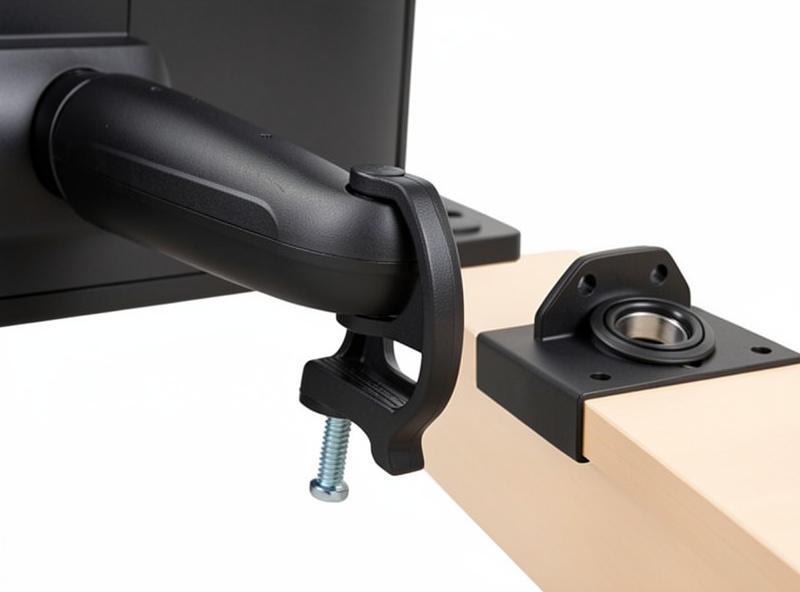
How the arm attaches to the desk is where good buys go wrong. Most arms ship with a C-clamp that grips the desk edge and a grommet mount that bolts through a hole. The clamp needs a desk edge of the right thickness — too thick and the clamp will not open far enough, too thin and it can mar a soft top. Two arms means two clamp points, so check your desk edge has room for both away from the legs and crossbar.
Grommet mounting is sturdier for heavy or wide panels but needs a hole or a willingness to drill one. On a thin or hollow-core desk, neither mount loves life near the edge, and a backing plate helps. I walked through the thickness ranges and the hollow-desk problem in the monitor arm desk thickness guide. Measure your desk thickness before you buy — it is the spec that quietly invalidates an otherwise perfect arm.
| Arm type | Height control | Best panel match | Repositioning | Typical price (2 screens) |
|---|---|---|---|---|
| Two single gas-spring arms | Fully independent | Mismatched sizes | One-hand, frequent | $60–$220 |
| Single dual gas-spring arm | Shared crossbar | Matched pair | One-hand, as a pair | $90–$200 |
| Heavy-duty single arm (per screen) | Independent, high load | Large/heavy panels | One-hand, stiffer | $140–$320 |
| Fixed post / pole mount | Bolt-set, no float | Permanent geometry | Tools needed | $45–$130 |
As an Amazon Associate I earn from qualifying purchases. When I shop this category I filter by per-arm load rating and VESA pattern first — a dual monitor arm, a pair of heavy-duty single arms, or a VESA adapter bracket for a panel without a standard mount all earn a place depending on weight and desk.
VESA Fit: Check Before Anything Else
None of this matters if the arm cannot bolt to your monitor. Most panels use a 100×100 mm or 75×75 mm VESA hole pattern, and most arms cover both. The exceptions that catch people are slim consumer monitors with no VESA holes at all, and a few that hide the pattern behind a proprietary stand needing an adapter plate. Confirm your monitor’s VESA spec on its product page before you buy the arm, and budget for an adapter bracket if it has none.
How I Would Choose
Start with weight: if either panel sits near the top of standard arm ratings, go heavy-duty and stop there. Then look at your panels: matched pair and a static layout points at a single dual arm or a fixed mount; mismatched sizes or frequent rearranging points at two independent single arms. Confirm the desk thickness suits the clamp, confirm the VESA pattern, and only then compare brands. The arm is the part of a dual setup you feel every day, so spend the comparison time here rather than on the monitors. The geometry these arms let you hit is laid out in the dual monitor height and angle guide, and the whole build sits under the dual monitor setup guide. If you are still deciding whether you need an arm at all, the monitor arm guide starts one step back.
Frequently Asked Questions
Is a dual monitor arm or two single arms better?
Two single arms give fully independent height and depth, which suits mismatched panel sizes and frequent rearranging. A single dual arm is tidier with one clamp point and shared crossbar, which suits a matched pair and a static layout. Match the choice to your panels, not the brand.
How much weight can a dual monitor arm hold?
Most gas-spring arms list 3 to 8 kg per screen, and they hold position best in the middle of that band, not at the top. On a dual arm check whether the rating is per-screen or combined, since some budget models quote a total that halves once both panels are mounted.
Do all monitor arms fit all monitors?
No. Arms bolt to a VESA hole pattern, usually 100×100 mm or 75×75 mm. Slim consumer monitors sometimes have no VESA holes, and a few hide the pattern behind a proprietary stand needing an adapter plate. Confirm your monitor’s VESA spec before buying the arm.
Should I use a clamp or grommet mount for two arms?
A clamp grips the desk edge and needs the right edge thickness, and two arms means two clamp points clear of the legs. A grommet mount bolts through a hole and is sturdier for heavy or wide panels. Measure your desk thickness first, since it can rule out a clamp.
Why does my monitor arm slowly sag over time?
Gas-spring arms loaded near the top of their rating drift downward as the gas settles. Most arms have a tension adjustment screw that re-tightens the spring. If it still sags after adjustment, the panel is too heavy for that arm and you need a higher-rated one.
